The best apps for smooth TikTok transitions let you control the cut, not just rely on a library of flashy effects. We recommend InShot for quick edits, VN for beat matching, Adobe Premiere for precise cuts and clean exports, and CapCut for experimenting with effects and speed changes. These are the best apps for TikTok transitions.
This Android-focused comparison is based on developer descriptions and Google Play listings retrieved November 3, 2026. We haven’t done a hands-on comparison or benchmarked export quality. Our recommendations reflect the documented tools and the editing jobs they suit; store ratings represent users’ opinions of the whole app.
Find your next editing app.
Four different strengths. Open each card for the use case and tradeoff, then explore its Google Play listing.
InShot
Trimming, transitions, speed controls and vertical formatting in one editor for everyday social videos.
Is InShot right for me?
Choose it for a short slideshow or a straightforward two-clip reveal.
Know before installing: The listing includes ads and in-app purchases. Check the specific effect and export conditions before building a long project.
VN
A multi-track editor with beat markers, keyframes, speed curves and transition effects.
Is VN right for me?
Choose it when the exact cut, movement and music timing matter more than a preset.
Know before installing: The extra controls mean more editing decisions. Its listing includes ads and in-app purchases.
Adobe Premiere
Adobe’s mobile editor combines frame-accurate trimming, multiple tracks and transition effects.
Is Adobe Premiere right for me?
Choose it for a carefully timed outfit change or a tutorial with voiceover.
Know before installing: Adobe lists a minimum of 5GB RAM for Android. Generative Firefly tools use paid credits; check device compatibility.
CapCut
An effects-focused editor with keyframes, speed curves, slow motion and transitions between clips.
Is CapCut right for me?
Choose it when you want to combine an intentional cut with a stylized zoom or speed change.
Know before installing: Its broad toolkit does not make every feature free. Check purchase labels and preview your export before committing.
Rating snapshots retrieved November 3, 2026. These are Google Play user ratings, not TwoVerbs scores or Google business reviews. Scores and review counts can vary by country, device and date; check the linked listing for your current view. They are not live feeds.
What makes a TikTok transition look smooth?
A smooth transition connects two shots through timing, framing or movement. A hand covering the lens hides an edit. An outfit change works when the body position matches. A turn feels continuous when both clips move in the same direction. A transition preset adds a visual effect, but it cannot reliably rescue footage that was filmed without a matching moment.
Start with our three beginner TikTok transition techniques if you need help filming the clips. Then choose the editor that gives you the right amount of control.
InShot: our pick for quick everyday edits

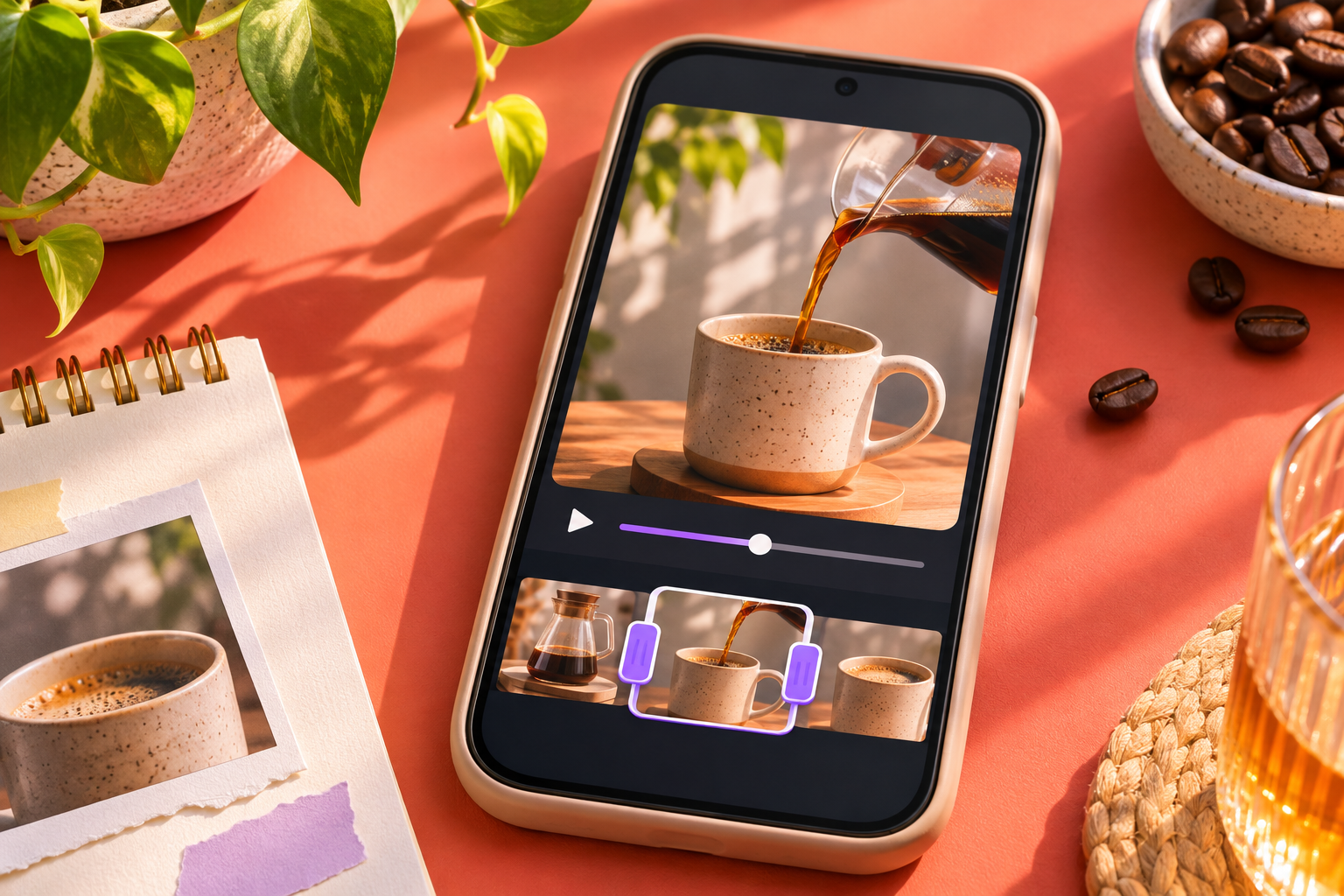
InShot brings clip trimming, music, transition effects, speed control and aspect-ratio adjustments together. That combination makes it a sensible starting point for short social edits, including photo sequences and simple before-and-after reveals.
Our suggested first project is a three-photo slideshow. Keep each image on screen long enough to read, use one consistent transition style, and preview the entire sequence before adding more effects. The tradeoff is its advertised ads and in-app purchases: do a short export test to confirm the tools you want are available on your chosen plan. Source: InShot on Google Play.
VN: our pick for matching cuts to music
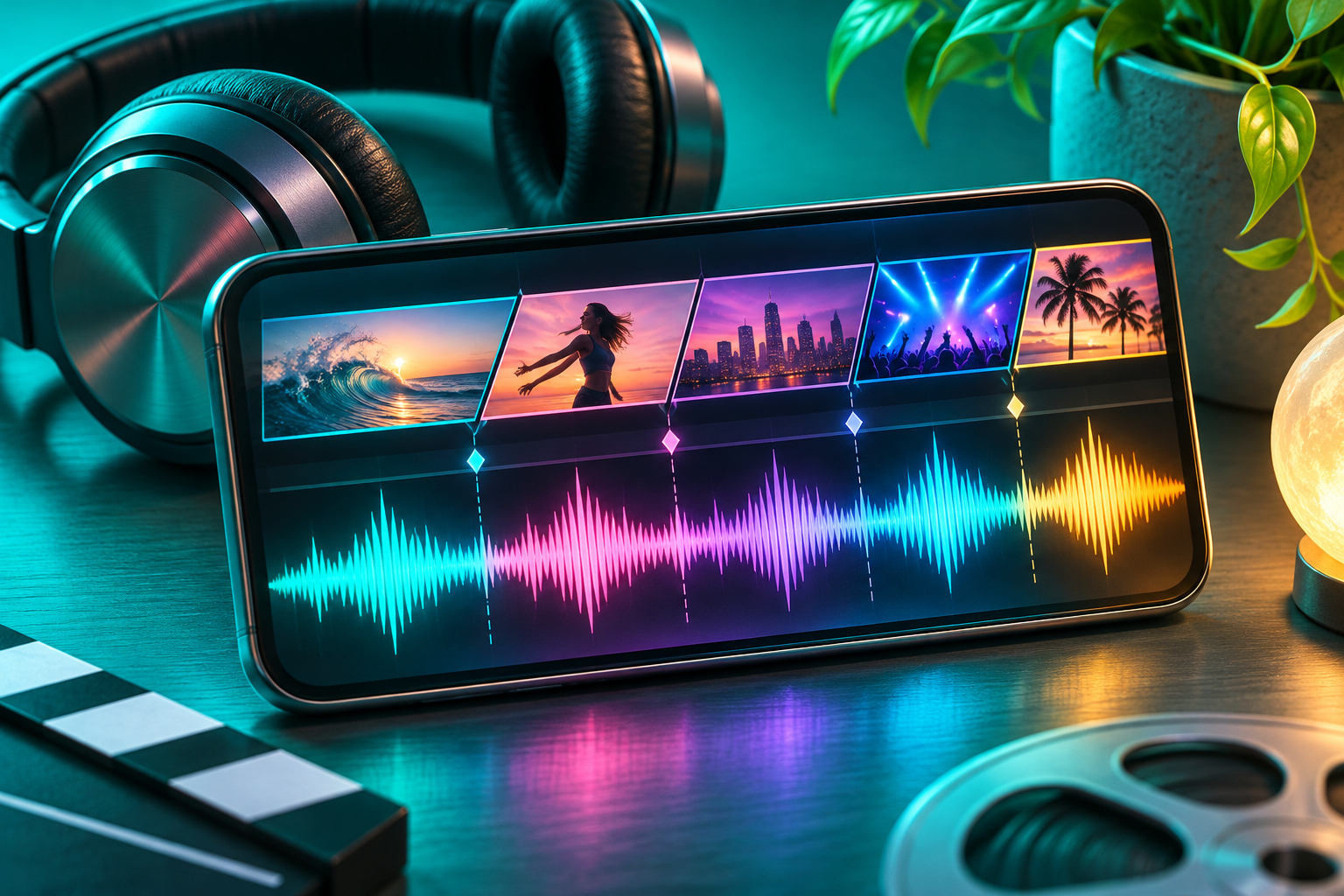
VN documents a multi-track timeline, beat markers, keyframe animation, and curve-based speed adjustments. These are useful ingredients when a transition needs to land on a particular beat or follow a specific movement.
For an outfit-change clap, start by matching the hands at the join. Then adjust the timing against the music. VN is the option we would shortlist for learning that manual process. The tradeoff is complexity: more control means more choices, and a beginner may need a few practice edits before the workflow feels natural. Source: VN on Google Play.
Adobe Premiere: our pick for precise cuts and clean exports
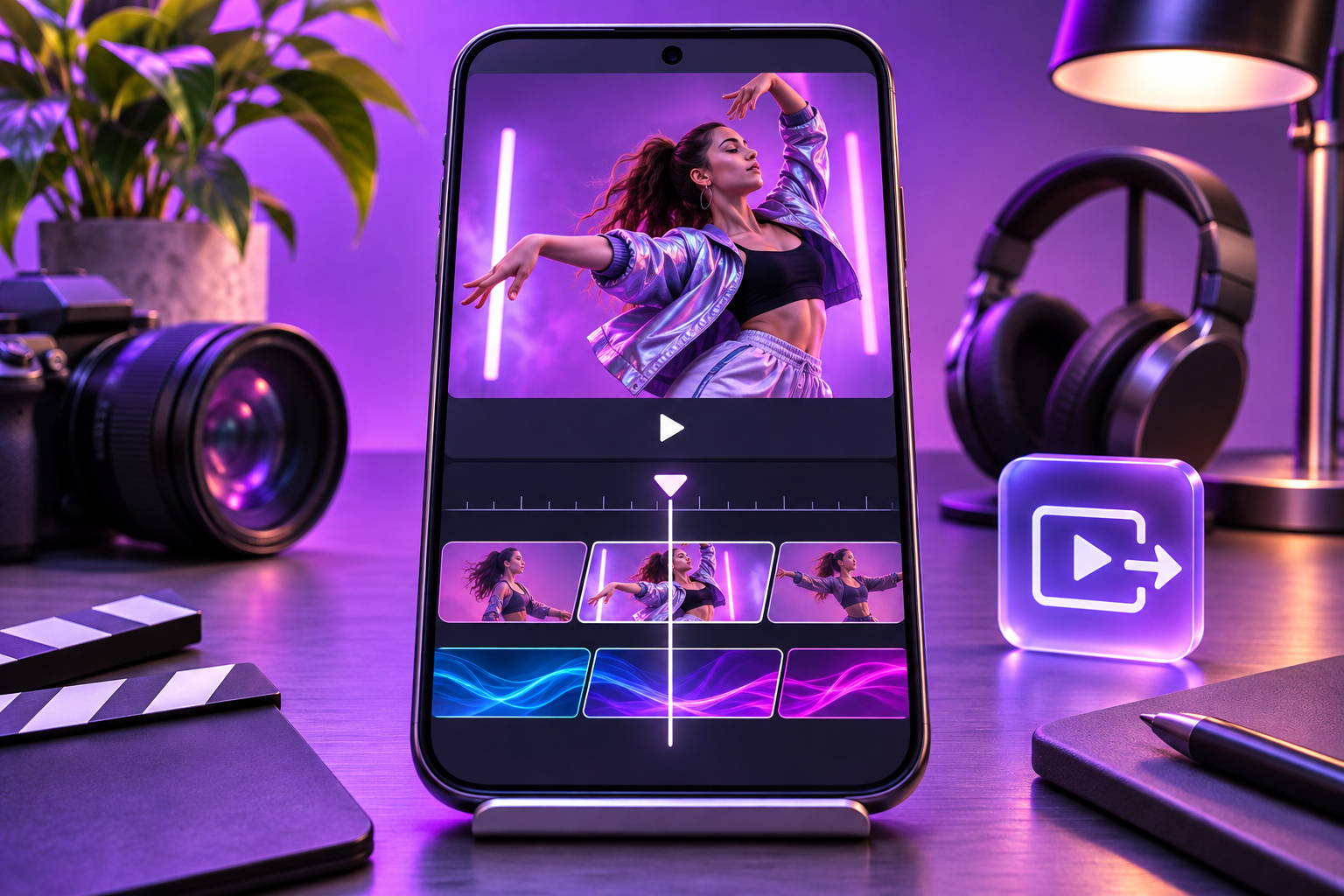
The mobile Adobe Premiere app lists frame-accurate trimming, multiple tracks, transition effects, and voiceover tools. Adobe advertises free editing and exports without ads or watermarks, while Firefly generative tools use paid credits.
That makes it worth considering for a tutorial that combines a clean visual cut with spoken explanation. Check your phone first: the Android listing specifies at least 5GB RAM. This recommendation concerns the mobile app, not the desktop Premiere subscription. Its smaller review count also means its star rating comes from a different-sized audience than the other apps here. Source: Adobe Premiere on Google Play.
CapCut: our pick for effects and speed changes

CapCut combines keyframes, speed curves, slow-motion tools and transitions between clips. It is a useful candidate when your idea involves a zoom, a change of pace or a more stylized connection between scenes.
Its 3.5-star snapshot is the lowest in this selection, so we would review recent reviews and run a small export test before investing time in a complex project. That score alone does not establish the quality of its transition tools. Start with the underlying cut, then add an effect only if it improves the result. Source: CapCut on Google Play.
How to choose without paying for the wrong app
- Import the same two short clips into the app you are considering.
- Trim the join until the action looks continuous without an effect.
- Try one transition and check whether it adds clarity or hides the subject.
- Export a short sample. Check resolution, watermark behavior, audio timing and any purchase prompt.
- Watch the exported file on your phone before committing to a subscription or a longer edit.
Keep the test small. You do not need generated footage, premium templates or multiple subscriptions to learn a hand-cover reveal. Check current in-app prices and export conditions, which can change by region and plan.
Which app is best for TikTok slideshow transitions?
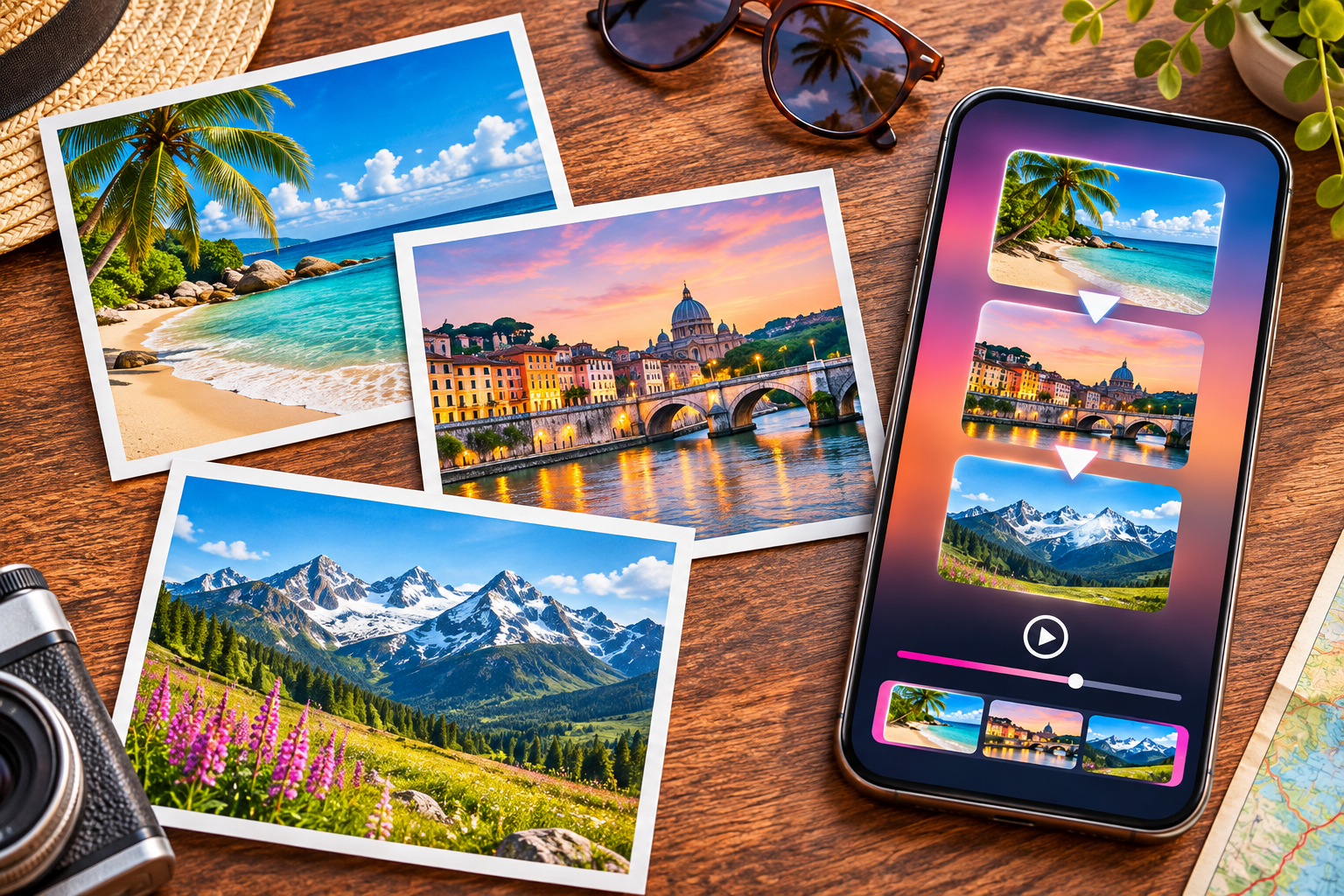
For a simple photo sequence, start with InShot. If your main goal is placing each photo change on a musical beat, shortlist VN. Those are editorial starting points based on documented features, not results from a timed usability test. Keep text readable and avoid applying a different effect to every photo.
Does a higher Google Play rating mean better transitions?
No. An overall rating can reflect advertising, billing, stability, device compatibility and many other experiences. Use the stars as one signal, then read recent reviews relevant to your phone and complete the export test above.
Our recommendation for the best apps for TikTok transitions: learn the cut before buying the effect
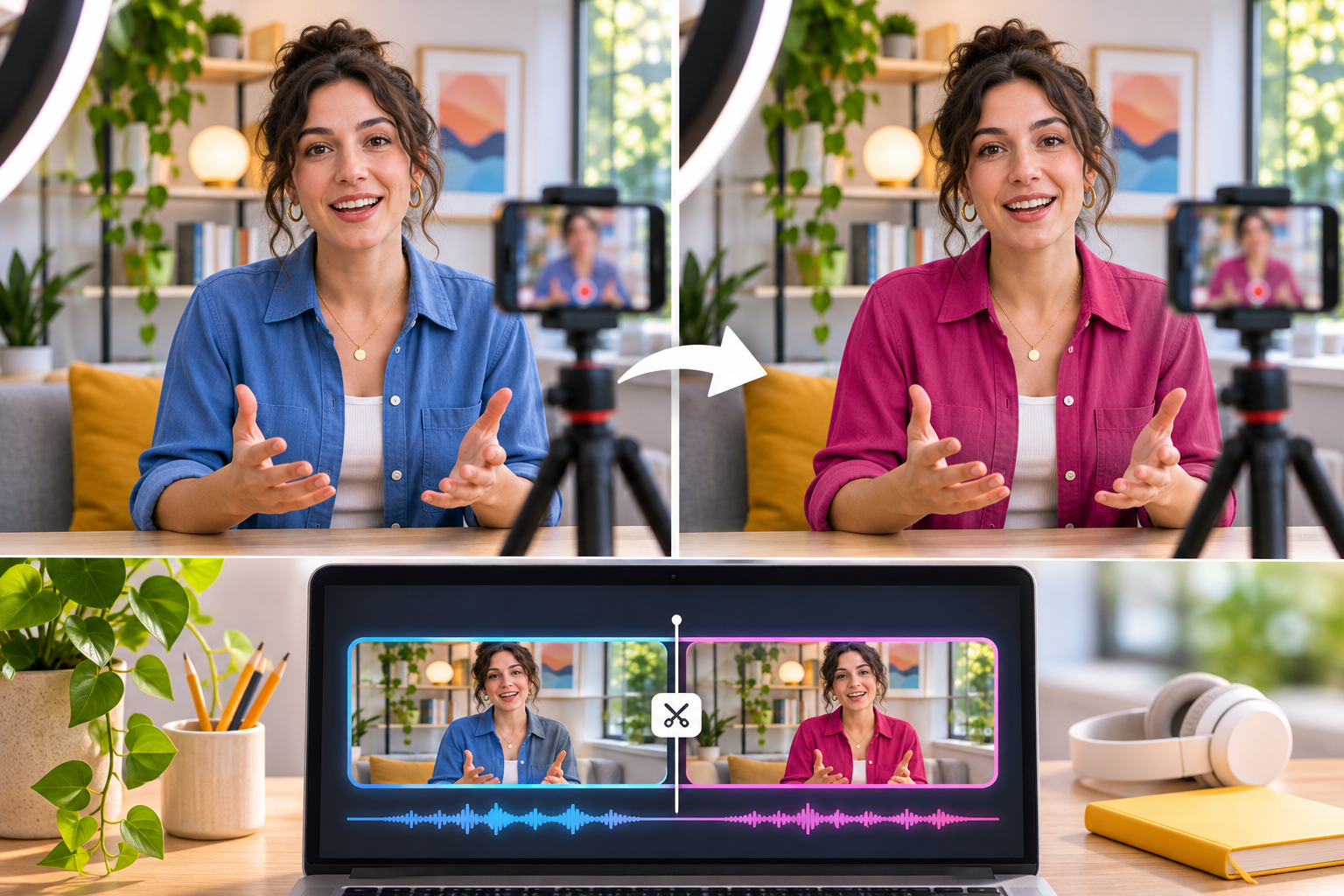
Choose one editor and practice with two clips. Match the framing, find the exact moment for the change, and preview at normal speed. Once that works, explore effects. If the picture is right but audio is missing, our TikTok sound troubleshooting guide offers additional checks.