Miami Beach live webcams let you compare the Atlantic shoreline with Ocean Drive and Lincoln Road. Start with three beach views, then switch to street activity before planning your outing. Use the official beach conditions, forecast, radar and traffic links below to put each picture in context.
All five views in this guide are in Miami Beach. Three cover the shoreline at 1st, 21st and 45th streets; the other two show Ocean Drive and Lincoln Road. They do not cover mainland Miami or every Miami Beach neighborhood.
Miami Beach Live Webcams: Choose Your View
| Camera / host | Actual area | Why check it? | Limitation |
|---|---|---|---|
| 1st Street Beach — Hilton Bentley Miami/South Beach | South Beach — 1st Street | A southern South Beach shoreline view | One angle; does not establish swimming safety |
| 21st Street Beach — W South Beach | South Beach — 21st Street | A second shoreline angle farther north | Limited field of view; not a water-quality test |
| 45th Street Beach — Eden Roc Miami Beach | Mid Beach — 45th Street | Mid Beach sand and Atlantic water | Does not show every beach access point |
| Ocean Drive Webcam — Avalon Hotel | South Beach — Ocean Drive | A street scene in the Art Deco District | Not a road-closure or event-status report |
| Lincoln Road Webcam — Greater Miami Convention & Visitors Bureau camera page | Miami Beach — Lincoln Road | Pedestrian activity around Lincoln Road | Cannot show the whole shopping district |
Current Miami Beach Weather and Beach Conditions
The map is centered on Miami Beach at 25.7907°N, 80.1300°W, with mph, Fahrenheit, and inches selected. Its layer shows modeled surface wind; check the timeline before reading it. Forecast wind is separate from radar and measured beach conditions. If the colored forecast layer does not display, use the official forecast links below; a base map alone is not a complete weather report.
For the latest Miami Beach weather, use the National Weather Service’s Miami/South Florida office and search for Miami Beach. Review the hourly forecast, alerts, and the South Florida beach forecast before leaving. Follow official warnings and lifeguard directions at the beach.
Check Miami Beach Ocean Rescue’s current beach conditions report and warning flags. Consult the Florida Department of Health’s Healthy Beaches information for sampling results and advisories. A clear-looking ocean photo doesn’t guarantee safe swimming or water quality.
1. 1st Street Beach: South Beach’s Southern Shore
Start with the southern end of South Beach when you want a look at the sand, water and sky before a beach outing. The tourism bureau identifies this camera as 1st Street Beach, hosted by Hilton Bentley. Compare the visible shoreline with the Ocean Rescue report before deciding what to pack.

Source: Official Greater Miami Convention & Visitors Bureau webcam page. Select “1st Street Beach, South Beach” on that page to open the camera.
Use the picture to judge what is visible in this part of the beach, rather than assuming every stretch looks the same. At night, the water may be difficult to read even when nearby lights are bright.
2. 21st Street Beach: Compare Another South Beach View
The 21st Street Beach camera adds another perspective on South Beach. The tourism bureau places the view at the W South Beach hotel near Collins Avenue and 21st Street. Compare it with 1st Street for differences in the visible sky and shoreline.
Source: Official Greater Miami Convention & Visitors Bureau webcam page. Select “21st Street Beach, South Beach” on that page to open the camera.
These South Beach webcams are separate views along the same city’s Atlantic coast. A camera may turn, zoom or become obscured, so use the source page if the saved angle changes.
3. 45th Street Beach: Check the Mid Beach Shoreline
For a Mid Beach visit, choose the 45th Street Beach view. The tourism bureau lists Eden Roc Miami Beach at Collins Avenue and 45th Street as its host. This is a useful comparison with the two South Beach views, especially when your plans are farther north.
Source: Official Greater Miami Convention & Visitors Bureau webcam page. Select “45th Street Beach, Mid Beach” on that page to open the camera.
Check your intended public access point and parking separately. A hotel-hosted webcam does not establish access to hotel pools, chairs or other guest amenities.
4. Ocean Drive Webcam: Look at the Art Deco District
Switch from the shore to the Ocean Drive webcam for a street-level travel perspective. Hosted by the Avalon Hotel, the tourism bureau’s view features Ocean Drive in the Art Deco District. Check out the street activity before heading out for a walk or a meal.
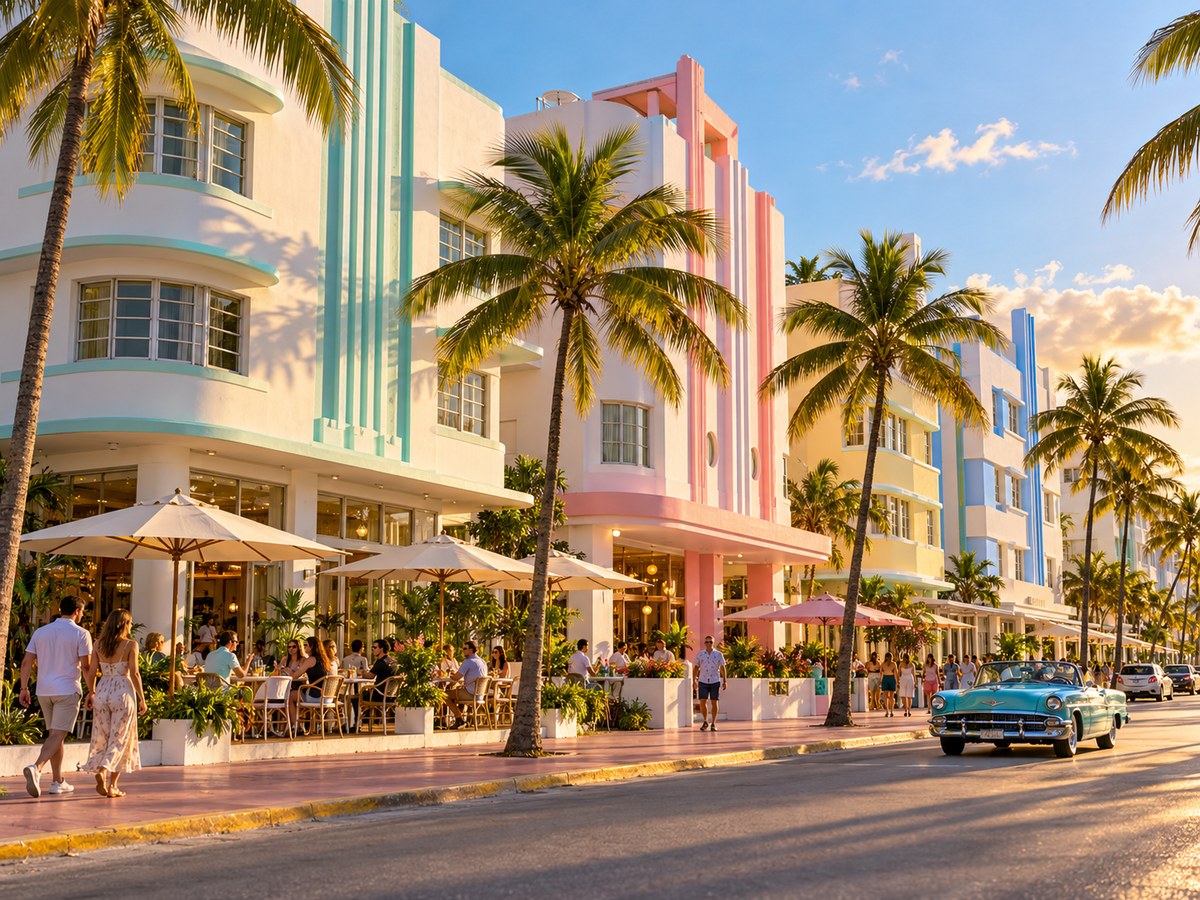
Source: Official Greater Miami Convention & Visitors Bureau webcam page. Select “Ocean Drive, South Beach” on that page to open the camera.
A busy picture does not tell you whether a restaurant has a table available. Check reservations, operating hours and any city access notices directly.
5. Lincoln Road Webcam: Preview a Pedestrian Outing
The Lincoln Road webcam offers a pedestrian scene rather than an ocean view. Choose it when you are considering a shopping, dining or people-watching stop. Compare the activity you see with your plans, then check individual businesses for hours.
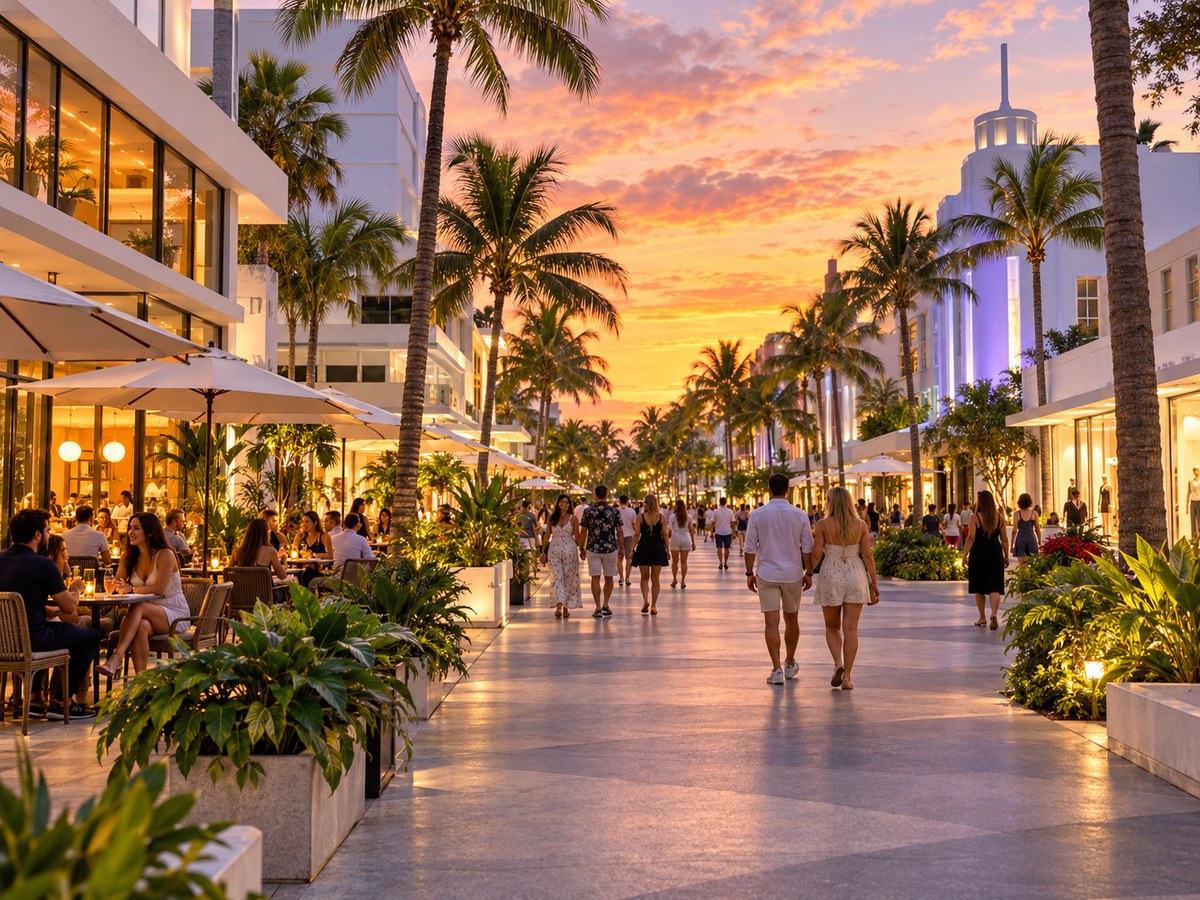
Source: Official Greater Miami Convention & Visitors Bureau webcam page. Select “Lincoln Road, Miami Beach” on that page to open the camera.
Lincoln Road is in Miami Beach. The camera does not cover mainland Miami shopping districts, and it cannot establish conditions across the entire pedestrian mall.
Miami Beach Traffic, Parking and Trolley Checks
Use Florida’s official FL511 traffic map before driving. Move to Miami Beach and the causeway route you plan to use, then check cameras, congestion, incidents and closures. A beach or sidewalk view is not a substitute for a road report.
Review the city’s parking information for lots, garages and payment details. If you plan to leave the car parked, check Miami Beach trolley routes and the official trolley tracker. Have a passenger handle updates once you are on the road.
Miami Beach Weather Radar
Open National Weather Service radar and move to the Miami Beach area. Read the observation time and run the loop to see where rain has been moving. Use the forecast and alerts for what may happen next.
A shower offshore shower may not affect every camera at the same time. Compare the radar loop with your route and the hours you plan to be outside. The radar page opens separately; the artwork above is not weather data.
Current Miami Beach News

These are Google News search matches for Miami Beach, Florida, not a verified local newswire. Check each report’s publisher, date, and location before treating a headline as a trip update.
Plan a Miami Beach Visit Around the View
For a beach day, compare the three shoreline views, then check the official beach report and forecast. For a walking or dining outing, start on Ocean Drive or Lincoln Road and confirm the places you plan to visit. Miami Beach live webcams can help narrow your plans without replacing reservations, schedules or access notices.
For other South Florida perspectives, see TwoVerbs’ Fort Lauderdale webcam guide and Coral Gables webcam guide. Those destinations are outside Miami Beach. Browse the live webcam hub for more locations.
Recheck the relevant camera close to departure, especially if the weather has changed. Miami Beach live webcams provide a quick visual check; official conditions and destination information complete the picture.
Questions About Webcams in Miami Beach
Which Miami Beach live webcams should I check first?
Choose 1st Street for southern South Beach, 21st Street for another South Beach angle, or 45th Street for Mid Beach. Use Ocean Drive and Lincoln Road for street and pedestrian activity.
Can a beach webcam tell me whether swimming is safe?
No. Review Miami Beach Ocean Rescue’s dated conditions, warning flags, National Weather Service beach forecasts and health advisories. Follow lifeguard directions. A camera cannot establish water quality or rule out dangerous currents.
Are these cameras in Miami or Miami Beach?
All five locations in this guide are in the city of Miami Beach. They do not cover mainland Miami, PortMiami, Coral Gables or the whole county.
Are these webcams live?
The official tourism source presents these as live views, and all five source-page players loaded with active video playback during the Oct. 31, 2026, review. Stream delay was not measured. Check timestamps and live indicators because feeds can pause or change.
What time zone do Miami Beach webcams use?
Miami Beach uses Eastern time, with Eastern Standard Time in winter and Eastern Daylight Time during daylight saving time. Check each player’s display because its timestamp setting may differ.
Why is a camera dark, frozen or unavailable?
Nighttime, maintenance, weather, network problems or browser restrictions can affect a feed. Try the official source page and check its timestamp. A blank image alone does not establish a local power outage.
Are the supporting photos live webcam screenshots?
No. Supporting artwork is captioned Artist rendering and does not show current conditions. Use the camera players or official source page for footage. The weather illustration is not radar data.