by

Ocean City live webcams let you compare Maryland’s Boardwalk scene with inlet, bayside and park views. Start downtown at Dorchester Street, look toward the inlet, then switch to Sunset Park and Northside Park. Use the forecast, radar and traffic information below to plan the parts of a visit that a picture cannot answer.
This guide covers four selected views from the Town of Ocean City’s official tourism webcam page. All four are in Ocean City, Maryland. They do not cover every beach access point, neighborhood, or road, and they should not be confused with Ocean City, New Jersey.
Ocean City Live Webcams: Choose Your View
| Official camera | Actual area | Why check it? | Limitation |
|---|---|---|---|
| Dorchester Street Boardwalk | Downtown Ocean City — Dorchester Street | Boardwalk activity and the visible beach-side scene | A narrow angle, not a count of visitors across town |
| Inlet Tower: East View | Southern Ocean City — inlet tower | A second perspective near the southern end of the resort | Camera direction and visibility may change |
| Sunset Park Bay | Ocean City — Sunset Park | A bayside view to compare with the Atlantic side | Not a marine forecast or event schedule |
| Northside Park Gazebo | Northern Ocean City — Northside Park | A park setting beyond the downtown Boardwalk | Does not cover the entire park or its facilities |
Current Ocean City Weather and Beach Conditions
The map is centered on Ocean City at 38.3365°N, 75.0849°W, with mph, Fahrenheit and inches selected. Its surface-wind layer is a forecast, separate from radar and measured current wind. Check the timeline; if the colored layer doesn’t display, use the official forecast below.
Open the National Weather Service forecast for Ocean City, Maryland for hourly conditions and linked alerts. For a beach outing, check the NWS Wakefield beach forecast when available. Seasonal beach products may not be issued year-round.
Review Ocean City Beach Patrol information and confirm current lifeguard coverage before swimming. A calm-looking webcam cannot establish safe surf, water quality or the absence of rip currents. Follow posted notices and instructions at the beach.
1. Dorchester Street Boardwalk Webcam
Start with the Dorchester Street camera for a look at the Boardwalk scene. The town’s tourism department lists this view on its official webcam page. It is a useful starting point before a walk, a meal or a stop at the downtown attractions.
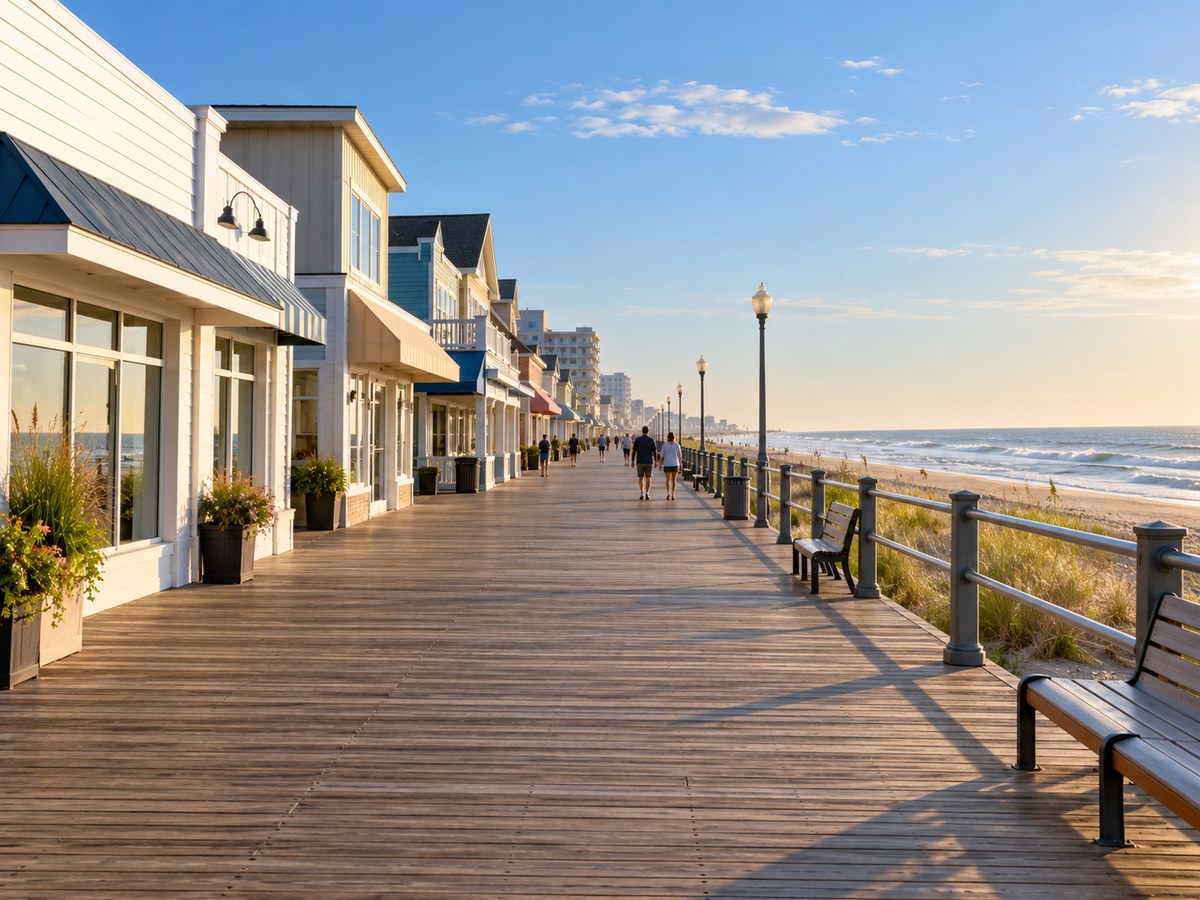
Source: Town of Ocean City’s official webcam page. Select “Dorchester St. Webcam” on that page to open the camera.
Check the hours of the specific businesses and attractions you plan to visit. An empty Boardwalk picture doesn’t mean it’s closed, and a crowded picture doesn’t mean it’s sold out.
2. Inlet Tower: East View Webcam
The tourism department labels this feed “Inlet Tower (East).” Choose it for another perspective near the southern end of Ocean City, then compare it with the Dorchester Street view. Read any timestamp before treating the picture as current.
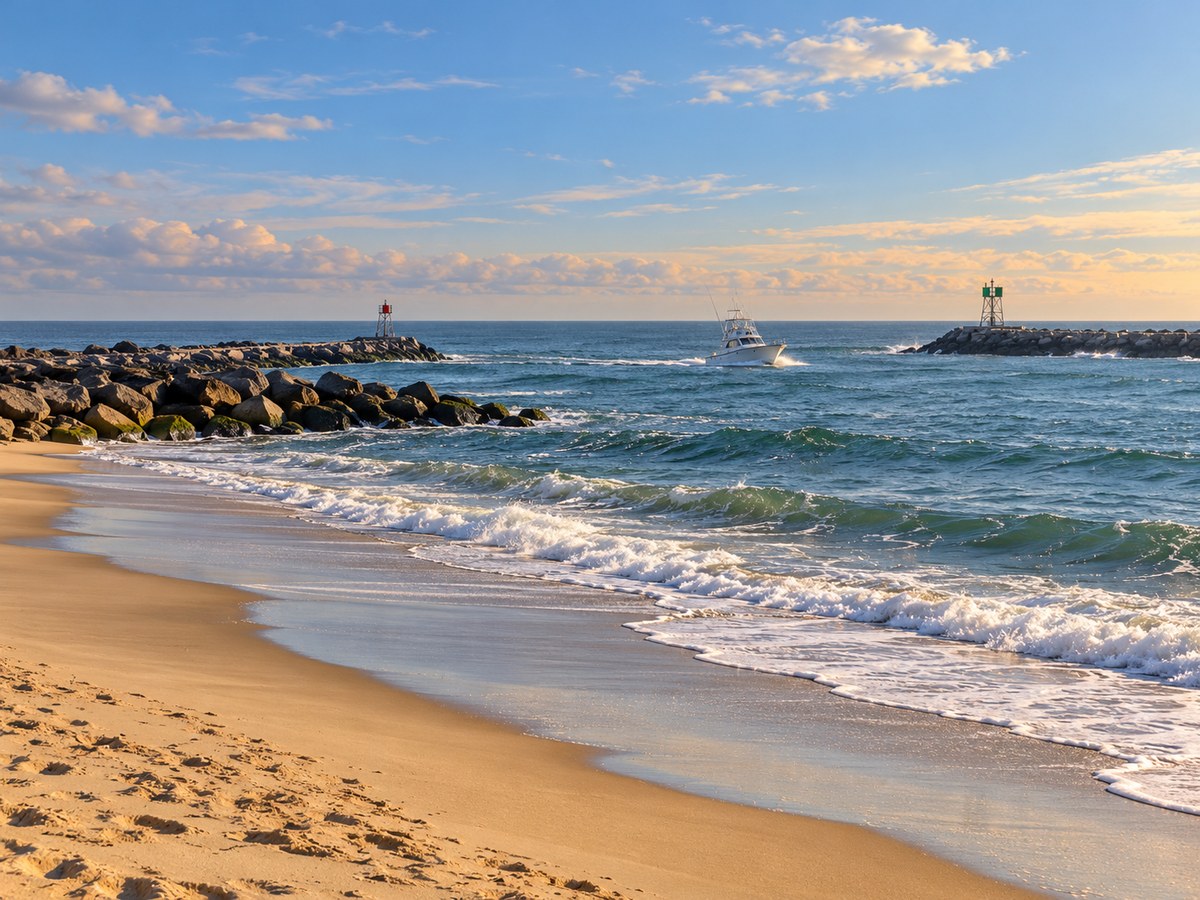
Source: Town of Ocean City’s official webcam page. Select “Inlet Tower (East) Webcam” on that page to open the camera.
Use this Ocean City inlet webcam as a visual preview. It cannot establish boat-channel conditions, water depth, swimming safety, or whether a particular boat trip will operate.
3. Sunset Park Bay Webcam
Switch to the Sunset Park Bay camera for a bayside perspective. The official page lists a separate stage camera, but this guide uses the view labeled “Sunset Park Bay.” Keeping those two angles distinct helps you choose the scene you want.

Source: Town of Ocean City’s official webcam page. Select “Sunset Park Bay Webcam” on that page to open the camera.
Check the park’s event information before planning an outing around a performance. A quiet stage or waterfront photo alone won’t tell you whether an event has been canceled or rescheduled.
4. Northside Park Gazebo Webcam
The Northside Park Gazebo camera adds a northern Ocean City stop to the guide. It offers a different setting from the Boardwalk and inlet. The official page also lists soccer and softball field cameras; those are separate park views and are not included as checked feeds here.

Source: Town of Ocean City’s official webcam page. Select “Northside Park Gazebo Webcam” on that page to open the camera.
Use the gazebo view for a general visual check, then consult the town for park access and event details. A camera does not establish that a facility, field or activity is open to visitors.
Ocean City Traffic Cameras and Parking
Use Maryland CHART traveler information to review incidents, congestion and road conditions. Use its live traffic camera directory to find available views along your approach. Check the entire route, rather than relying on a downtown tourism camera.
For parking, use the Town of Ocean City’s parking information for current rules, payment details and seasonal information. Confirm any park-and-ride or bus service before making it in your plan. Have a passenger handle updates while you are driving.
Ocean City Weather Radar
Open National Weather Service radar and move to Maryland’s Atlantic coast. Read the observation time and run the loop to see where precipitation has been moving. Compare that with your route and the hours you plan to be outside.
Use webcams for the visible scene and the official forecast for expected conditions. The weather artwork above is a conceptual illustration, not an observation. A clear picture at one location does not establish that the entire resort or your return route is dry.
Current Ocean City, Maryland, News
These are Google News search matches for Ocean City, Maryland, not a verified local newswire. Check the publisher, date and location of each report. A similar place name in a headline may refer to another community.
Plan an Ocean City Visit Around the View
For a Boardwalk outing, begin with Dorchester Street and confirm the hours of your planned stops. For a bayside break, check Sunset Park and the forecast. Ocean City live webcams can help you choose a setting, but they cannot replace an event schedule or a reservation.
Use the official Ocean City tourism site for visitor information and events. For other camera-based coastal trip planning, see TwoVerbs’ Bar Harbor and Acadia webcam guide or browse the live webcam hub. These are separate destinations, not nearby Ocean City views.
Recheck conditions before departure and keep a weather backup for outdoor plans. Ocean City live webcams are most useful when paired with current road reports, official forecasts and information from the place you plan to visit.
Questions About Webcams in Ocean City, Maryland
Which Ocean City live webcams should I check first?
Choose Dorchester Street for the Boardwalk scene, Inlet Tower East for a southern resort view, Sunset Park Bay for a bayside perspective, or Northside Park Gazebo for a park setting.
Are these webcams in Maryland or New Jersey?
All four selected views in this guide are in Ocean City, Maryland. They are listed on the Maryland town’s official tourism website.
Were the live camera feeds verified?
The official source pages and player addresses were checked on Oct. 31, 2026. Moving live playback was not confirmed. Check the player’s timestamp and live indicator, and use the official source if a feed does not load.
Can a beach or inlet camera establish safe swimming conditions?
No. Check the National Weather Service beach forecast, posted notices and current Ocean City Beach Patrol information. Confirm lifeguard coverage. A camera cannot rule out rip currents or establish water quality.
Do the cameras show the whole town?
No. They show four specific locations. A narrow view cannot establish conditions across the full Boardwalk, every beach access point or the entire park.
What time zone do Ocean City webcams use?
Ocean City, Maryland, uses Eastern time, with Eastern Standard Time in winter and Eastern Daylight Time during daylight saving time. Confirm the timestamp setting on each player.
Why is a camera dark or frozen?
Nighttime, weather, maintenance, internet problems or player restrictions can affect a feed. Check its timestamp and try the official source page. A blank picture alone does not confirm a local outage.
Are the supporting pictures live camera screenshots?
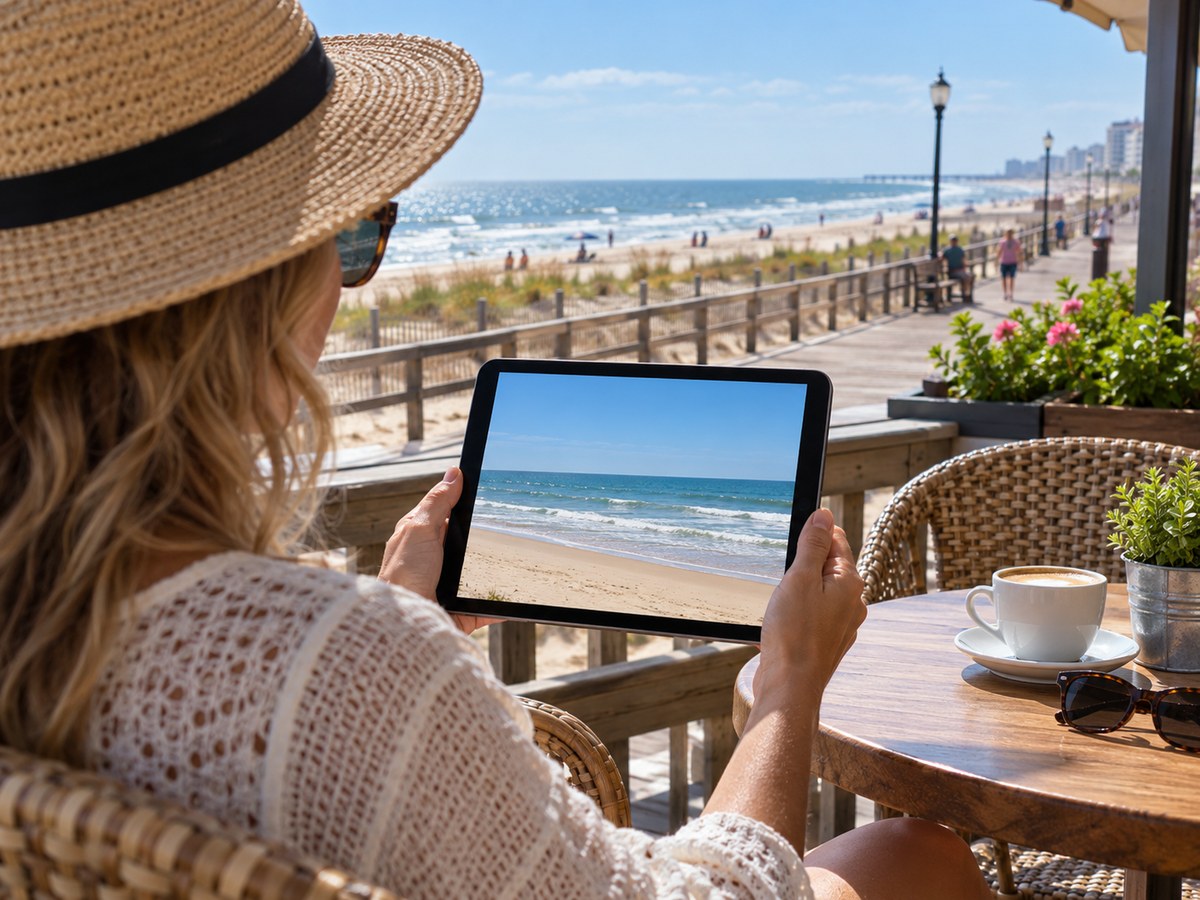
No. Supporting artwork is captioned Artist rendering and does not show current conditions. Use the camera player or official source for footage. The weather illustration is not radar data.