TwoVerbs · See before you go
Live webcams: find your next destination
Explore 28 destination guides to live webcams, from Alaska and Maine to Florida beaches, Great Lakes harbors and the Canadian Rockies. Browse the regions below, choose a place and open its guide for camera sources, local weather and planning resources.
On this page
- Florida
- Great Lakes and Midwest
- Eastern United States
- West and Alaska
- Canada
- Texas Gulf Coast
- Camera and weather resources
- Webcam questions
- Latest guides
Camera feeds are operated by outside providers. Some offer continuous video; others refresh still images. Availability can change. Check the source, timestamp and live indicator before interpreting a view. Illustrations and static previews on this page introduce destinations; open a guide for its camera footage.
Popular starting points: Nome, Alaska · Charleston, South Carolina · Bar Harbor and Acadia · Florida Keys
Florida
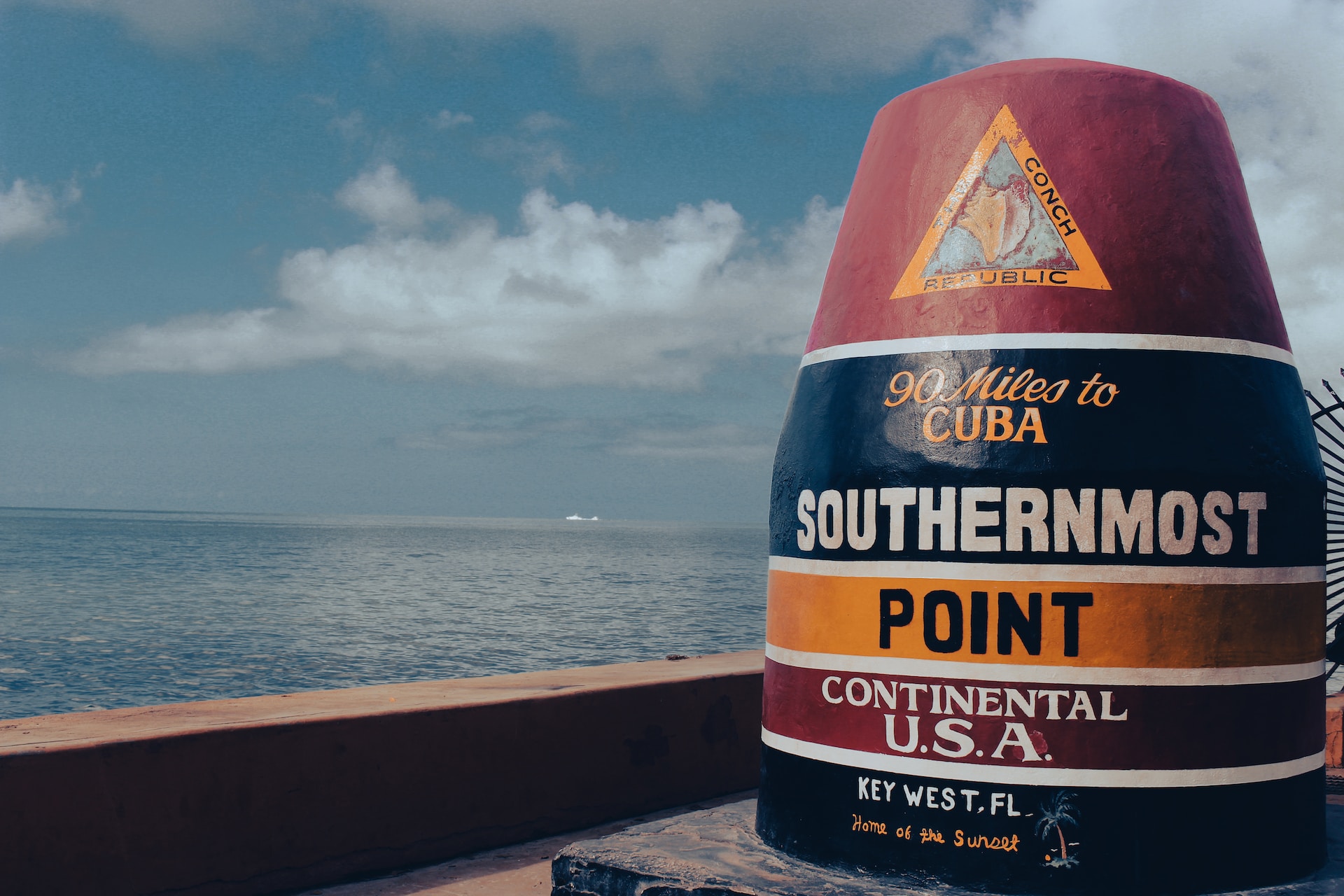
Florida Keys Webcams
Browse Florida Keys webcam sources for island scenery, coastal views and Key West street scenes. The guide offers different ways to explore the island chain, whether you prefer a waterfront outlook or activity in town. Choose the camera location that matches your interests, then compare its timestamp with local conditions. Open the guide for available players, source links and supporting weather resources.

Panama City Webcams
Use the Panama City webcam guide to explore Florida Panhandle camera views and local conditions resources. Start by checking the exact location of each source, since a city view and a coastal view serve different interests. The page brings viewing options together with news and weather context. Follow its camera links to see which feeds are available and how recently the picture was updated.
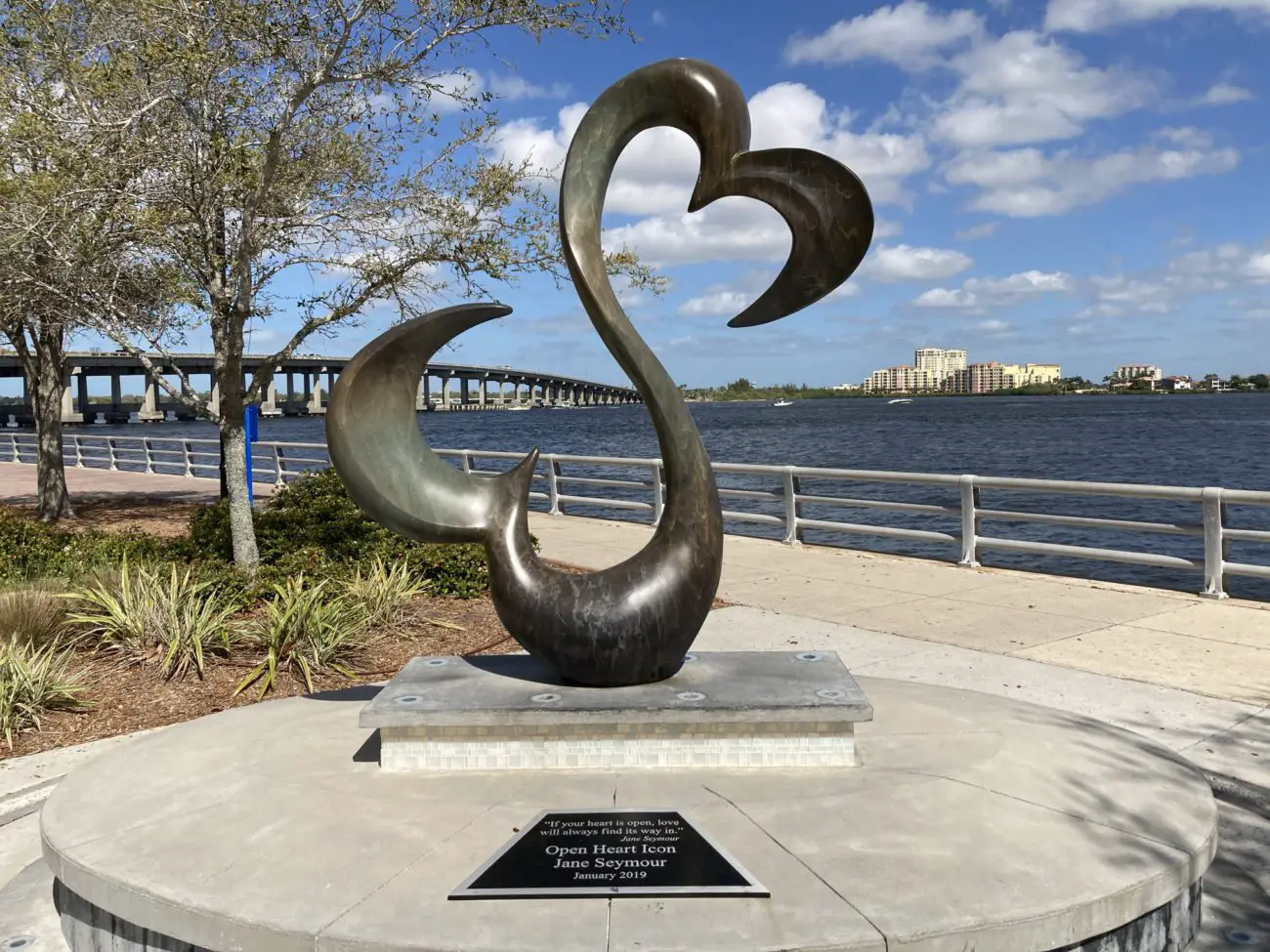
Bradenton Webcams
Explore the Bradenton area through coastal and community camera views connected with the Manatee area of Florida. This guide provides a way to compare the destination’s different settings while keeping local news and weather resources close at hand. Check each camera’s actual location before using it to preview an outing. Open the source links for the latest feed and any operator notices.
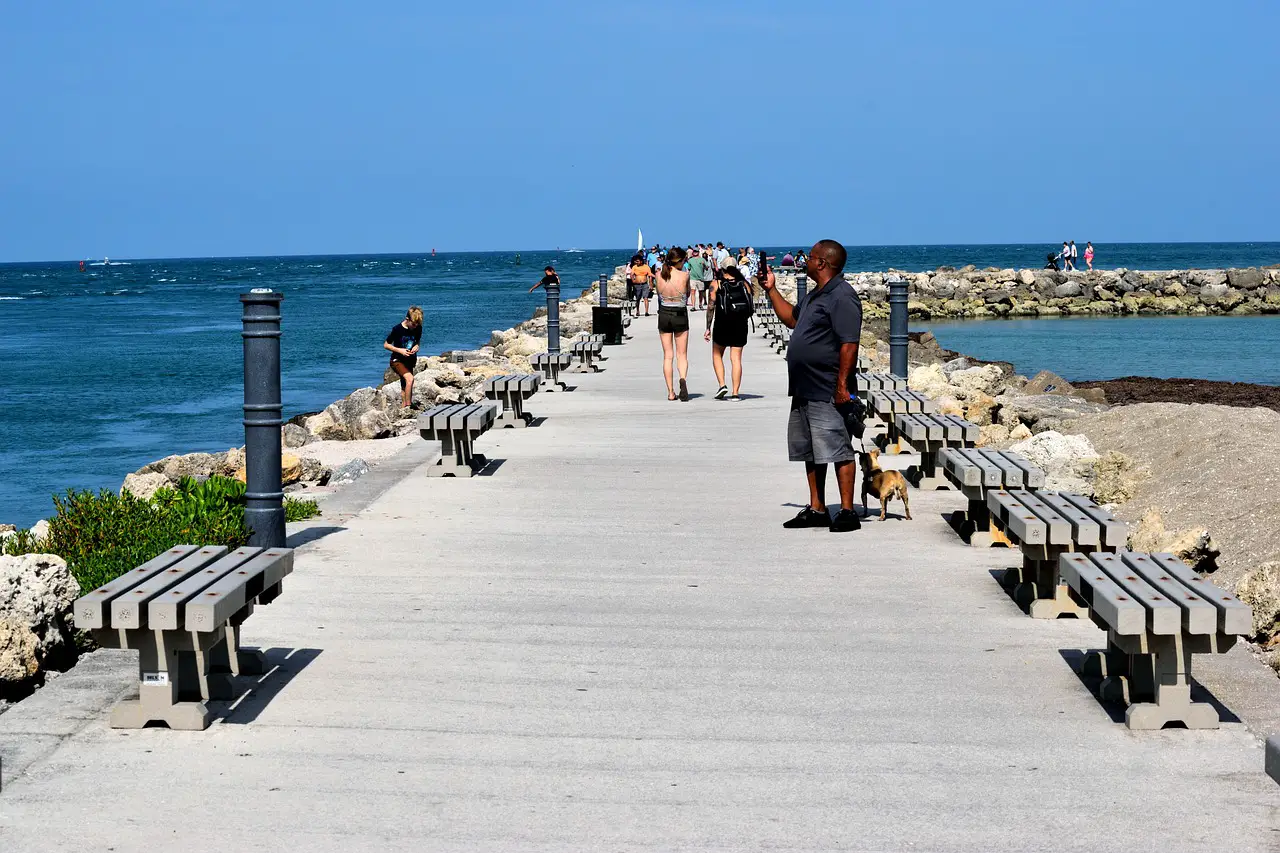
Fort Pierce Webcams
Fort Pierce’s webcam guide introduces Atlantic coast beach and waterfront views in Florida. Choose a source based on the stretch of coast or waterfront setting you want to see, then examine the image time and viewing angle. A camera can offer a useful visual preview of one location. The destination guide brings the listed camera sources together with news and weather resources.

Coral Gables Webcams
Explore Coral Gables through a South Florida destination guide that combines webcam resources with local news and weather information. It offers an alternative to browsing only beach focused destinations around the Miami area. Start with the listed camera locations to understand what each view represents. Open the guide for viewing links and check the provider’s current feed rather than relying on a static preview.

West Palm Beach Webcams
Browse the West Palm Beach webcam guide for Palm Beach County coastal and city perspectives. These different settings let you choose a view that fits a waterfront visit or an interest in the surrounding urban area. Check the location label before comparing cameras, because nearby viewpoints may face different directions. The guide collects camera sources alongside local weather and news resources for further context.

Beverly Beach Webcams
Beverly Beach offers an Atlantic coast viewing option for readers interested in Florida shoreline scenes. Use the destination guide to find the listed cameras and learn where each source is positioned. Light, viewing angle and the time of day can make the same stretch of beach look quite different. Follow the available source links and review the accompanying local news and weather information.

Siesta Key Webcams
Explore Siesta Key through barrier island beach views near Sarasota on Florida’s Gulf coast. This guide is a starting point for choosing a coastal camera and comparing its setting with other nearby beach destinations. Look at the image time, direction and exact location when interpreting the scene. Open the destination page for the listed webcam sources, local news and supporting weather resources.

Fort Lauderdale Webcams
Fort Lauderdale’s webcam guide brings beachfront and city viewing options into one South Florida destination page. Choose a coastal perspective for a virtual beach visit or explore the other listed locations for a broader introduction to the area. Camera operators may offer different players and refresh schedules. Follow the guide’s source links and use its local news and weather resources to add context.

Venice Webcams
Explore Venice through Gulf coast camera views and current conditions resources for this Florida destination. The guide offers a starting point for a virtual visit to the area’s coastal setting, with source details to help identify what each camera actually shows. Compare the location and image time before interpreting the scene. Open the destination page for the available feeds and local weather information.

Orlando & Kissimmee Webcams
Explore Orlando and Kissimmee through a Central Florida guide that pairs listed camera views with local news and weather resources. This inland destination offers a different perspective from the coastal Florida pages in the directory. Check each source’s location to understand which community or setting it represents. Open the guide for viewing options and compare the picture time with the current local forecast.
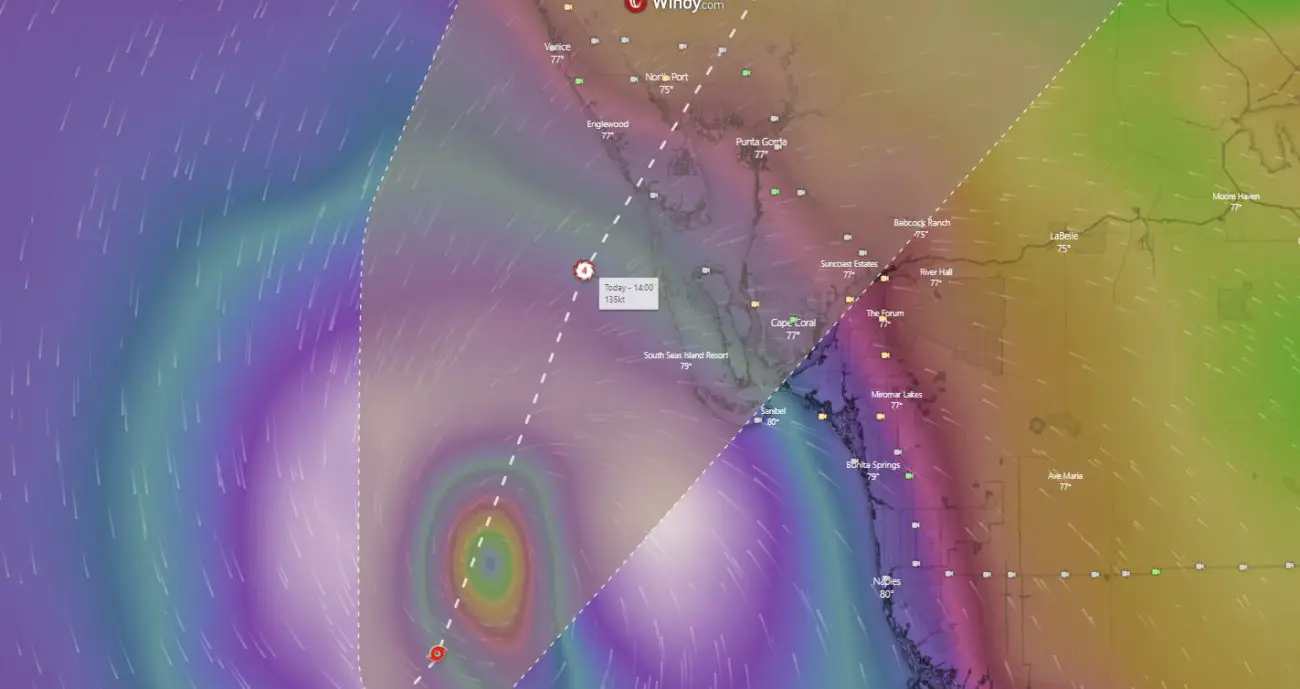
Port Charlotte Webcams
Use the Port Charlotte webcam guide to explore camera resources and coastal area views in Southwest Florida. It provides a starting point for readers comparing this destination with Venice, Sarasota or other nearby communities. A single camera cannot represent the whole area, so examine the source’s location carefully. The guide brings the available viewing links together with local news and weather context.
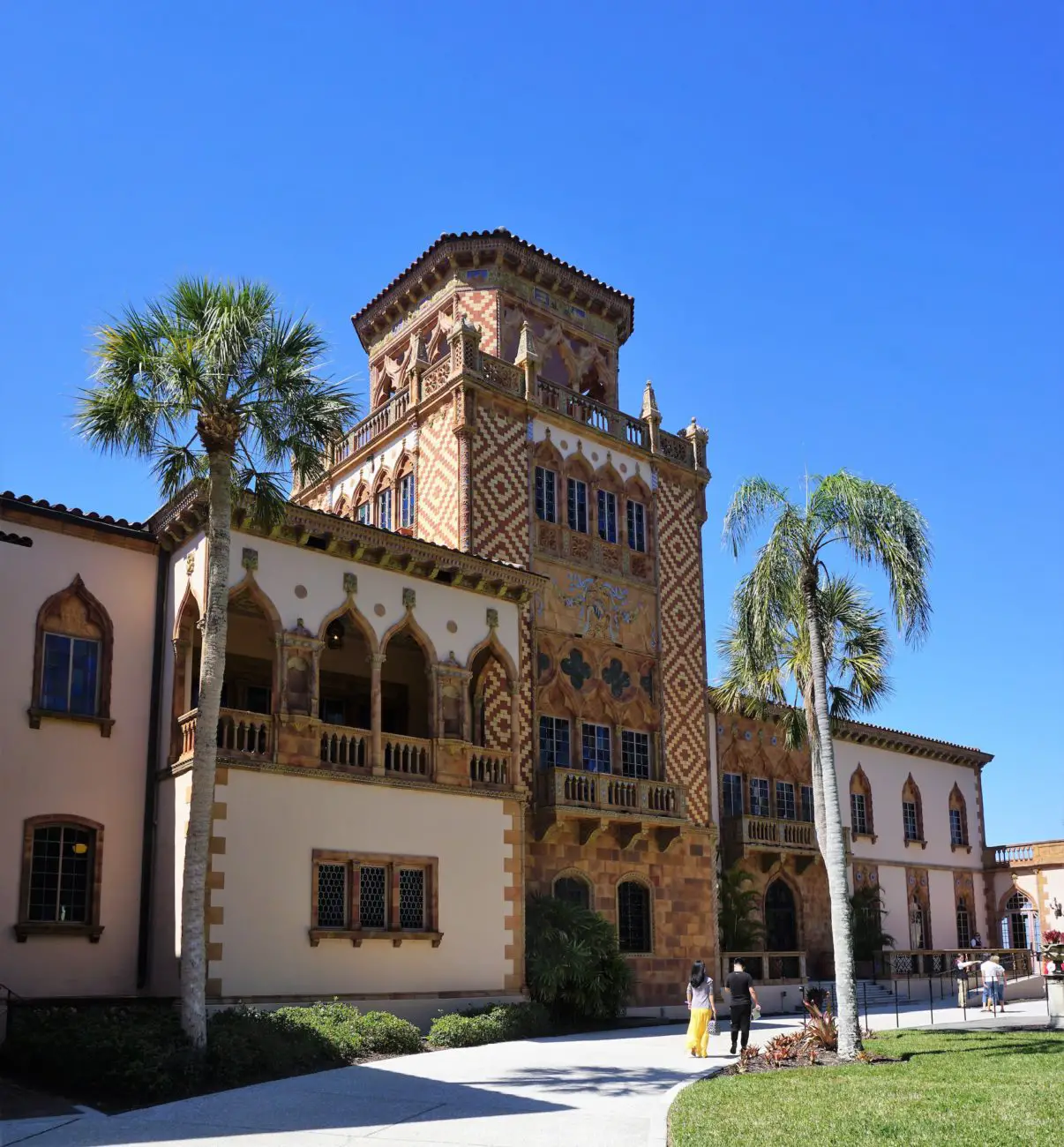
Sarasota Webcams
Explore Sarasota through camera views of the coast and surrounding community, with local news and weather resources collected in the destination guide. This page can help you choose a viewpoint before following a source to its current feed. Compare it with the separate Siesta Key guide when you want a more specific island setting. Check camera locations and timestamps before interpreting the pictures.
Great Lakes and Midwest
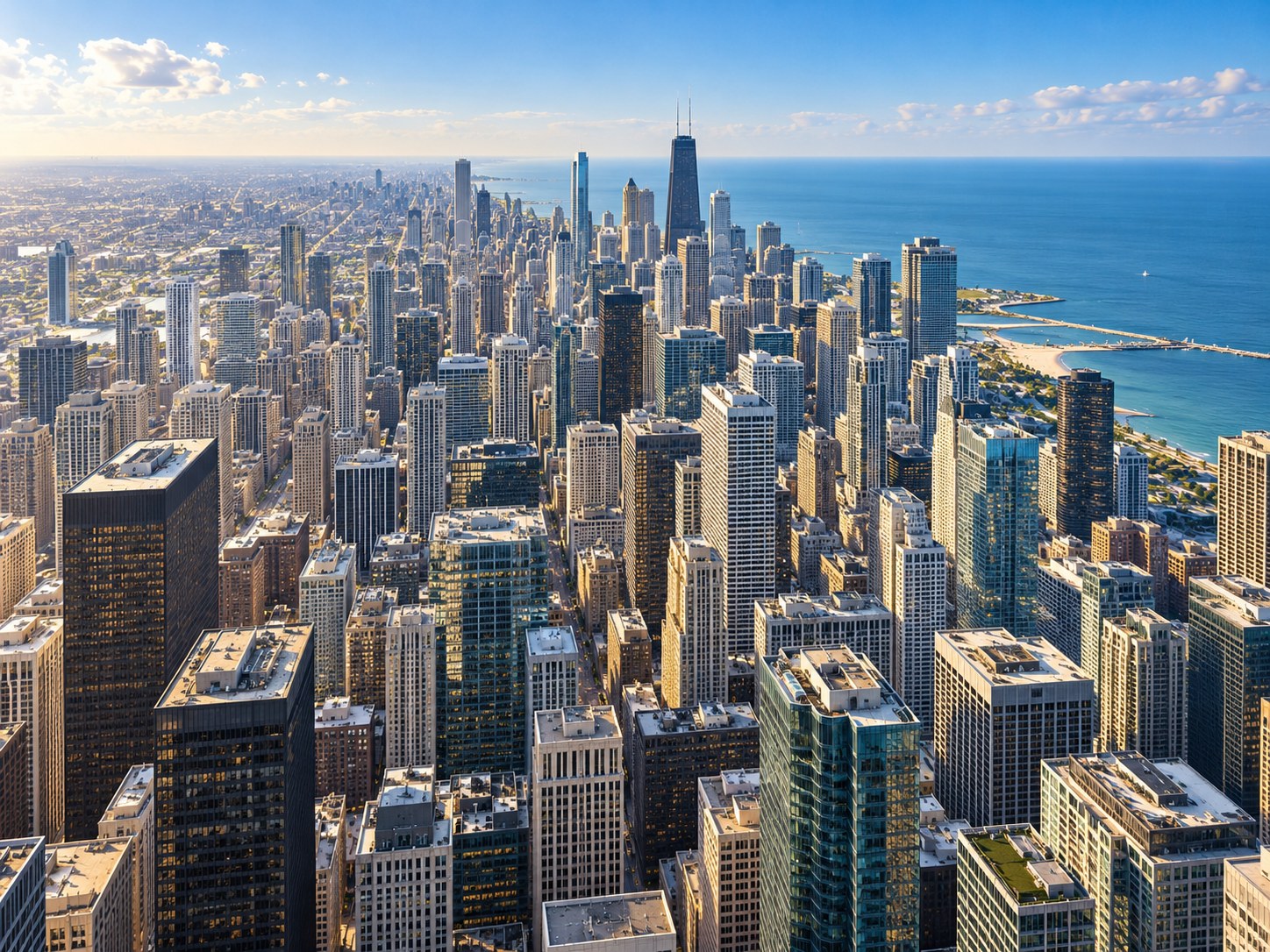
Chicago Webcams
Explore Chicago through skyline, Lake Michigan and downtown river views. This guide brings the city’s waterfront and built landscape together, giving you several perspectives to compare before a visit. Look for changes in cloud cover, lake appearance and activity within each camera’s frame. Open the guide for individual camera sources, weather resources and notes about the views available from each location.
Door County Webcams
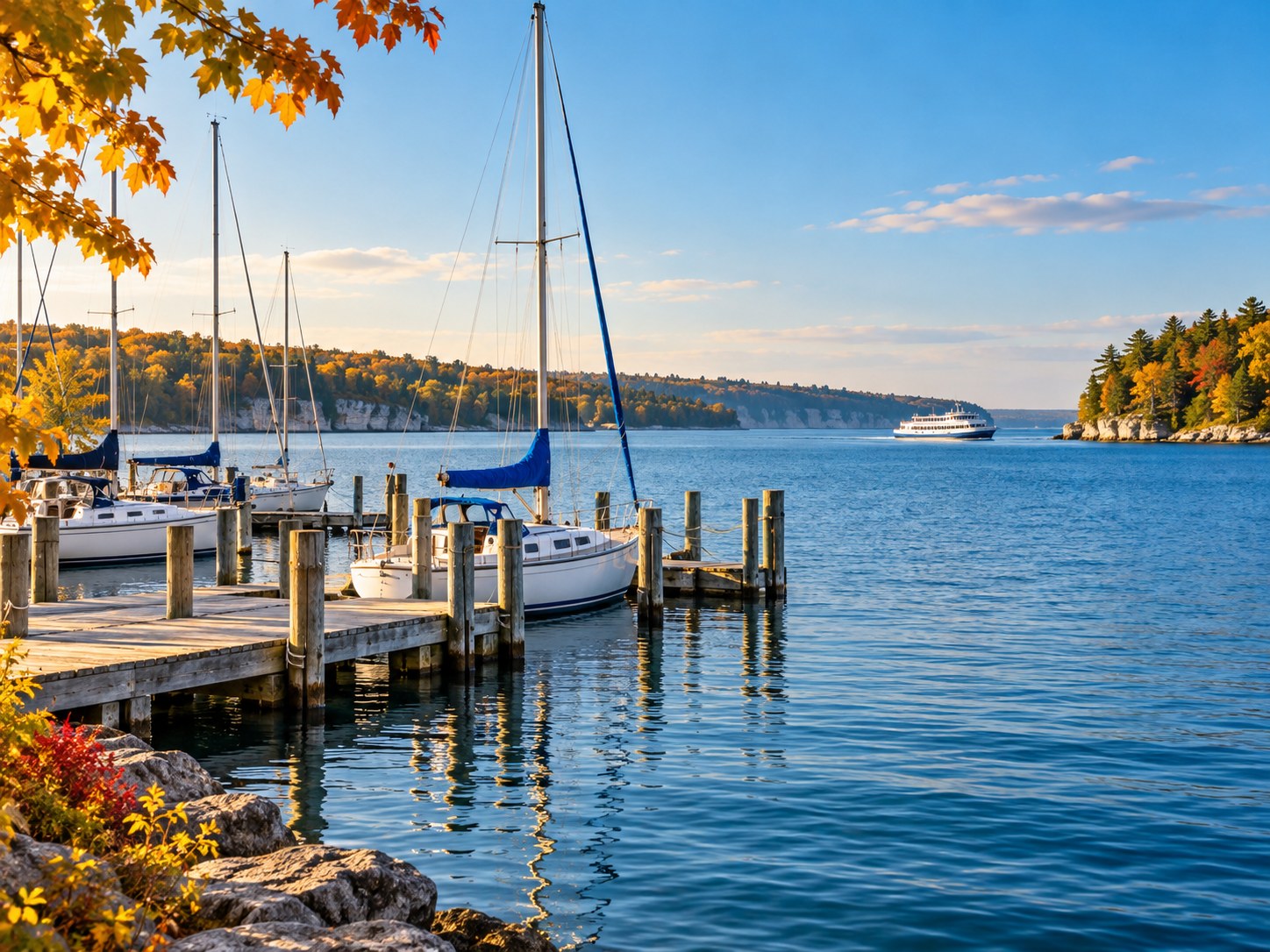
Discover Door County through ferry docks, village waterfronts and the seasonal rooftop goat camera in Sister Bay. These views offer a glimpse of the Wisconsin peninsula’s mix of water travel, small communities and unusual local attractions. Choose a waterfront scene for harbor activity or the goat camera for animal watching. The guide identifies camera sources and explains the different viewing options.
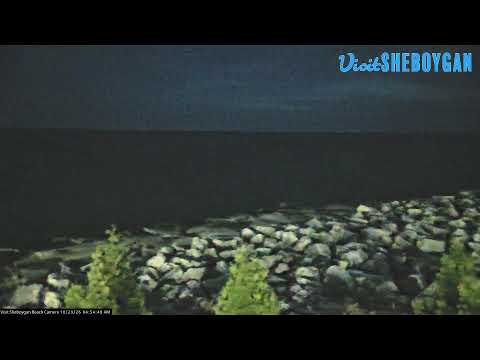
Sheboygan County Webcams
Explore Sheboygan County through Lake Michigan shoreline views, marina scenes and camera resources associated with Road America. The variety makes this guide a starting point for both waterfront browsing and an interest in the area’s motorsport setting. Select a camera by location and subject rather than assuming every view shows the city center. Each source has its own schedule and availability.

Minneapolis Webcams
Take a virtual look at Minneapolis with a destination guide that brings city camera views together with local news and weather resources. Use it as an introduction to the Minnesota city before choosing what to explore next. Urban cameras show a limited slice of a much larger destination. Follow the source details in the guide to understand each viewpoint and check its latest image.

Toledo Webcams
Get a look at northwest Ohio through the Toledo webcam guide and its current conditions resources. Use the destination page to find the listed viewpoints and learn which sources provide each image or stream. Toledo belongs to the wider Great Lakes region, but each camera covers a specific location. Pair the view with the guide’s weather and travel resources for a more useful preview.
Eastern United States
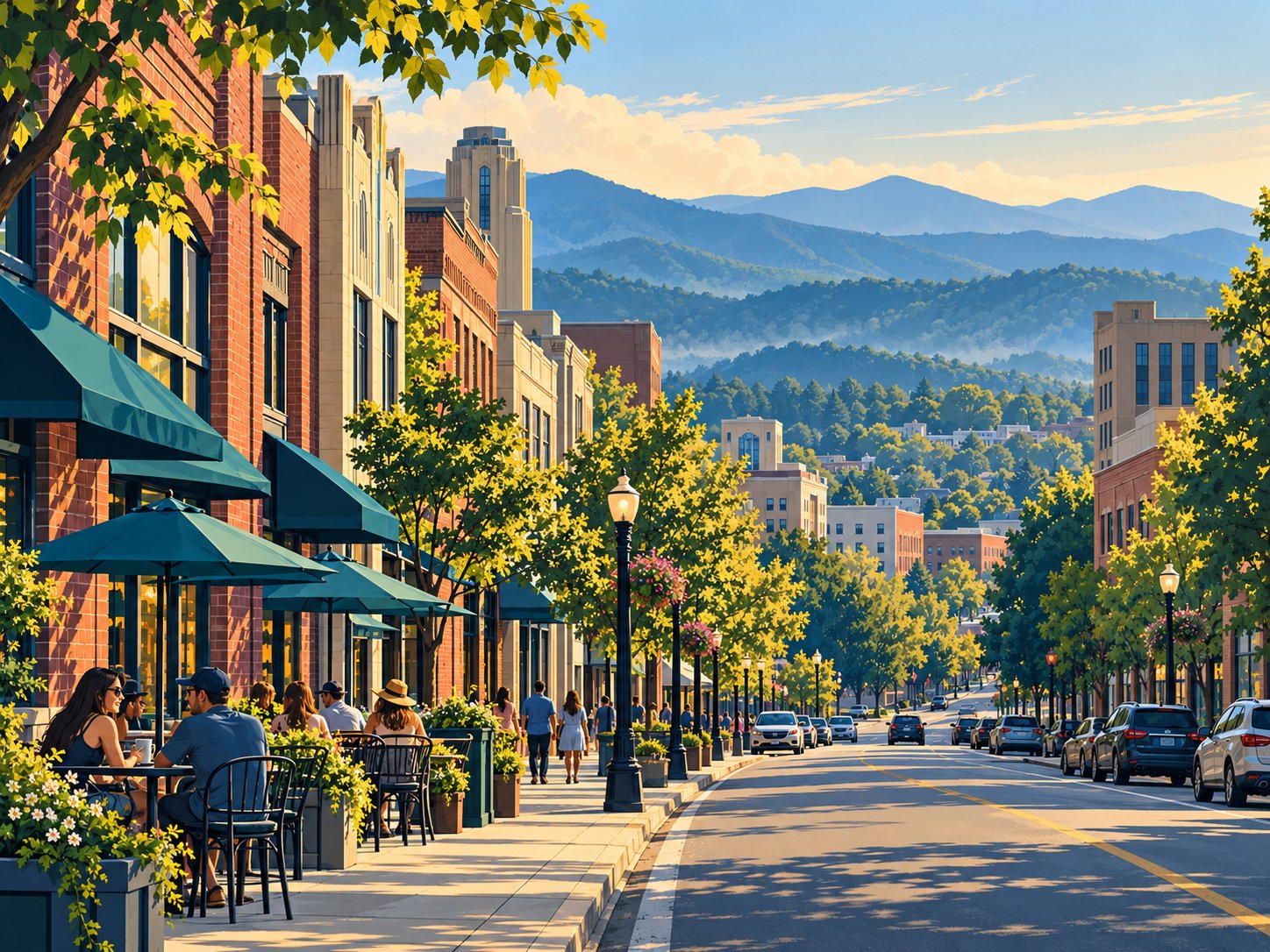
Asheville Webcams
Asheville’s webcam guide connects city views with nearby Blue Ridge mountain perspectives. It is a useful starting point for comparing an urban scene with the broader mountain setting around western North Carolina. Camera locations and elevations matter, so one clear view may not represent another destination. Open the guide for source links, weather information and road resources before planning a mountain drive.
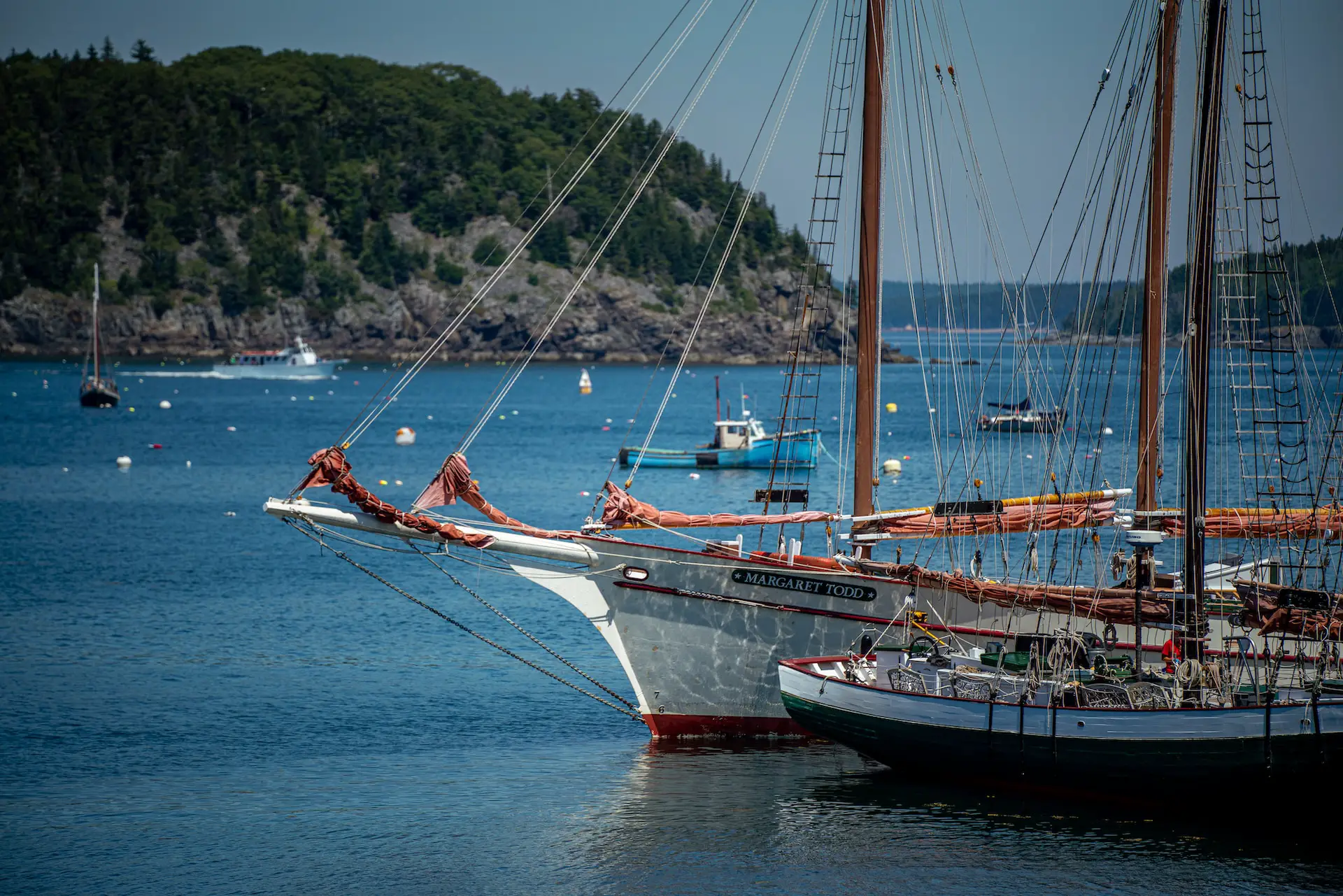
Bar Harbor & Acadia Webcams
Explore Bar Harbor and the Acadia area through views of Maine’s coast and the community beside the national park. This guide is a starting point for comparing waterfront scenery with other nearby camera perspectives. A camera only represents its own location, so it cannot describe conditions across Acadia. Visit the guide for camera sources and local information before planning a coastal outing.
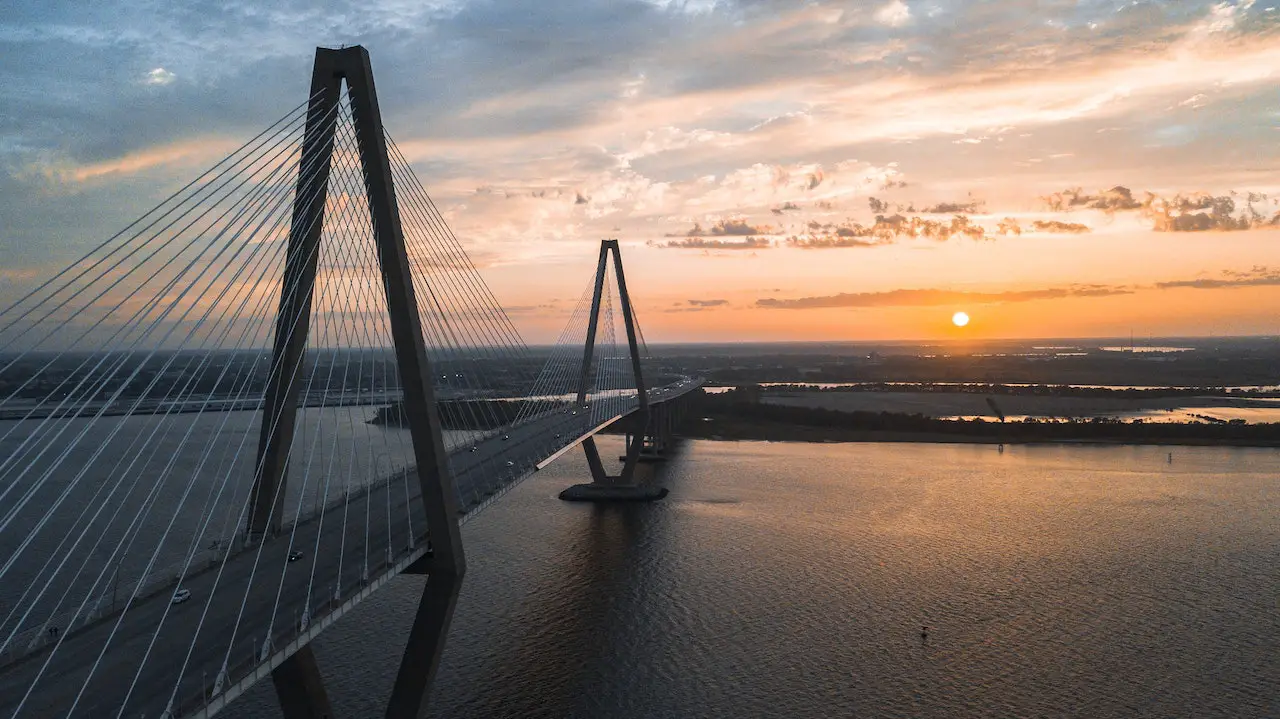
Charleston Webcams
Charleston’s webcam guide covers city and coastal perspectives in South Carolina, including nearby locations such as Isle of Palms. Use it to choose between an urban scene and a beach setting rather than treating the area as one viewpoint. Each camera reveals a different part of the destination. Open the guide for camera sources, local news and weather information before planning a visit.

Biltmore Estate Webcams
The Biltmore Estate page combines a visitor guide with a camera resource for this North Carolina destination. It differs from a broad city webcam collection: start with the guide’s explanation of the estate and the linked viewing option. Check the source for its current availability and coverage. Use official visitor information for opening arrangements and planning details rather than inferring them from a camera.
West and Alaska
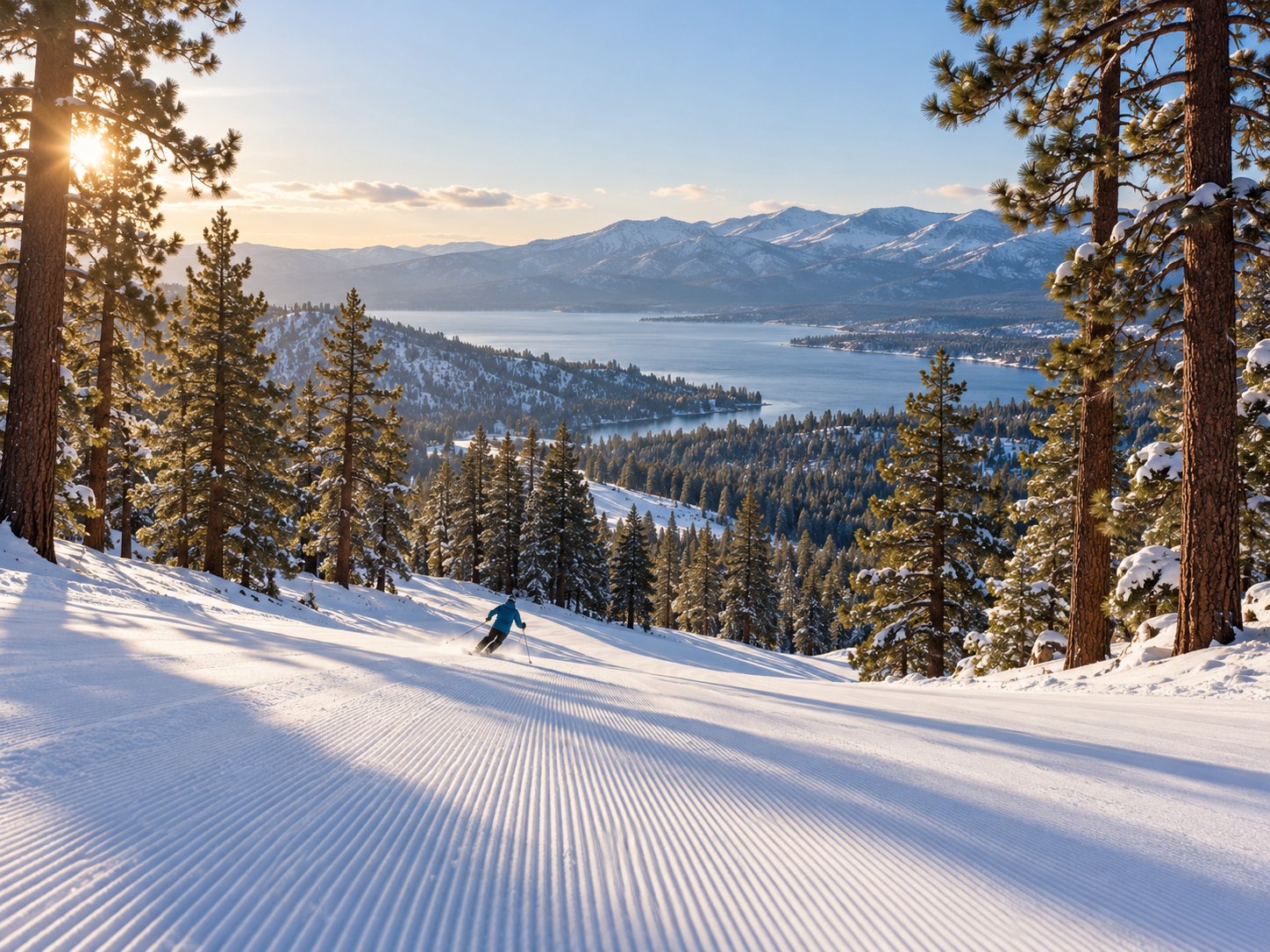
Big Bear Lake Webcams
Big Bear Lake combines Southern California mountain scenery with two very different viewing interests: ski resort activity and bald eagle watching. Use this guide to find resort base views and the Big Bear Valley nest camera. The subjects change with the season, from snow around the resorts to nesting activity. Follow the individual source links for current availability and viewing details.
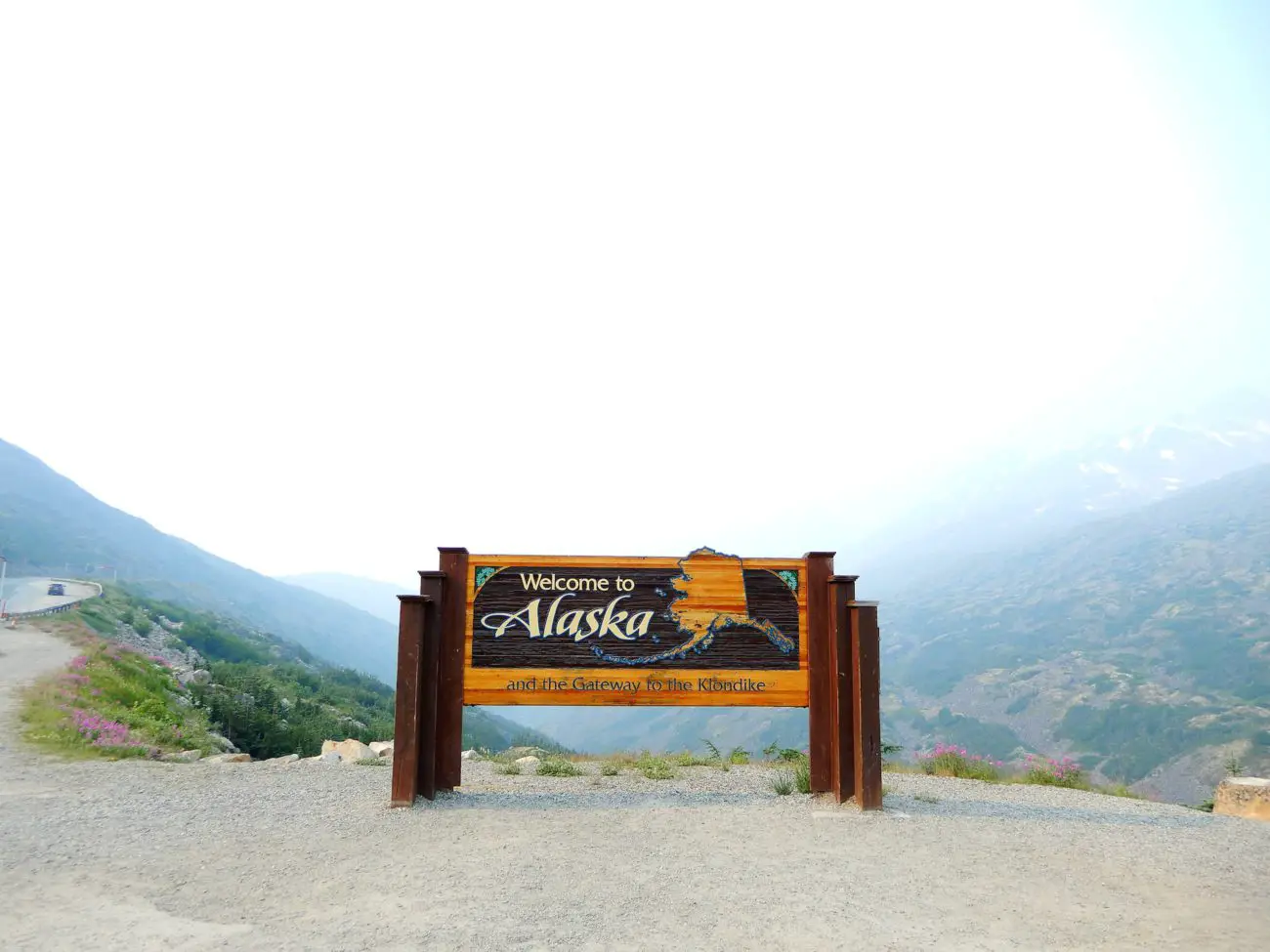
Nome Webcams
Visit Nome virtually through camera views of a remote Alaska community on the Bering Sea coast. The guide pairs its listed webcam sources with local news and weather resources, providing context beyond the picture alone. Seasonal daylight makes this a distinctive destination to watch throughout the year. Check the source’s timestamp and local time before deciding whether a dark view is offline.
Canada

Banff Webcams
Explore Banff through mountain town views and the scenery of the Canadian Rockies. This Alberta guide provides a starting point for a virtual visit focused on the relationship between the town and its surrounding landscape. Snow, clouds and daylight can change the picture considerably. Choose a source in the guide, check its location and timestamp, and use local forecasts when planning travel.
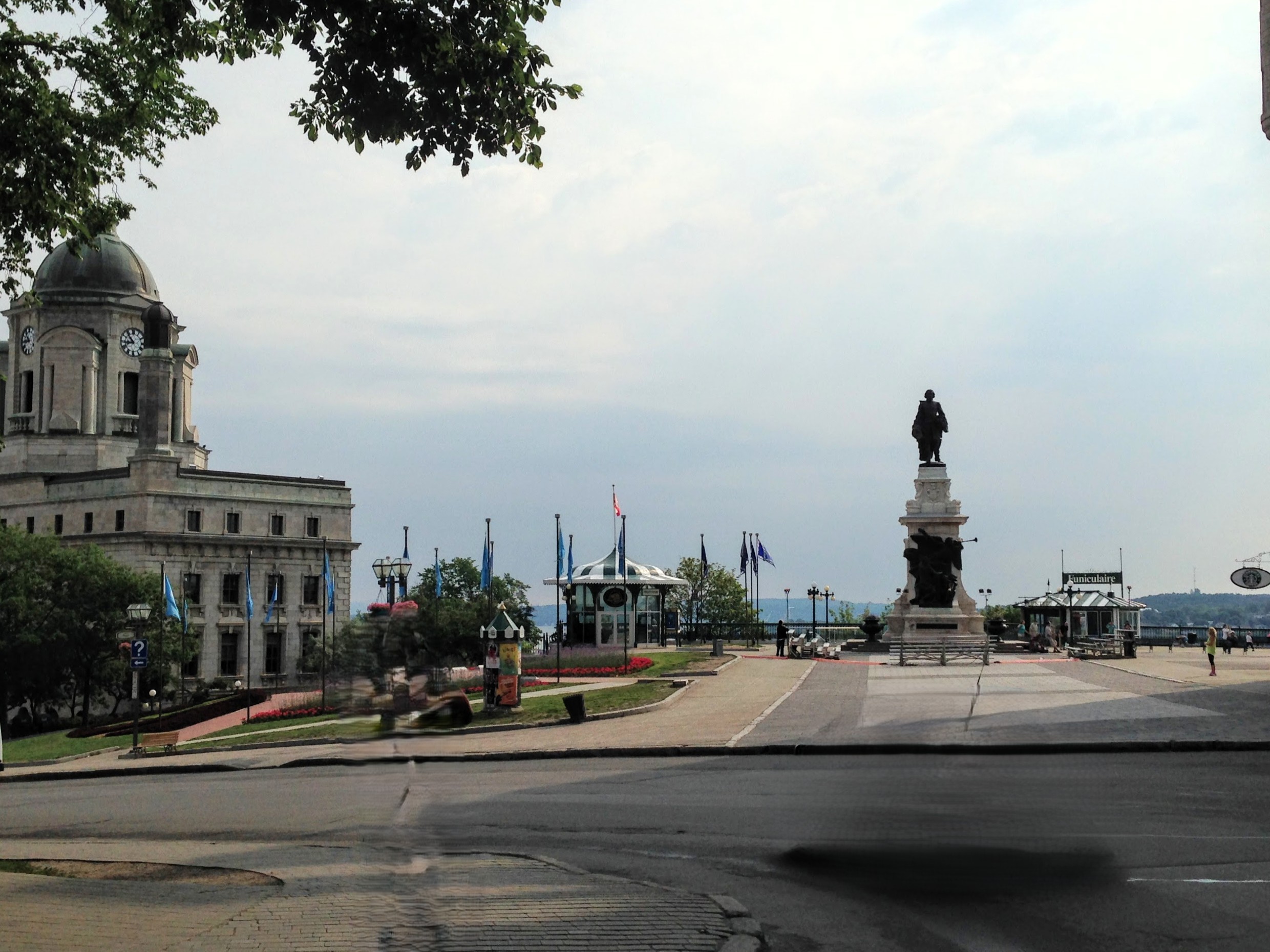
Quebec City Webcams
Discover Quebec City through a camera guide focused on the historic city and its waterfront setting. Use the available views to get a sense of the destination before exploring its neighborhoods in person. Different viewpoints emphasize different parts of the city, so compare their locations as well as their images. Open the guide for camera links and the accompanying destination information.
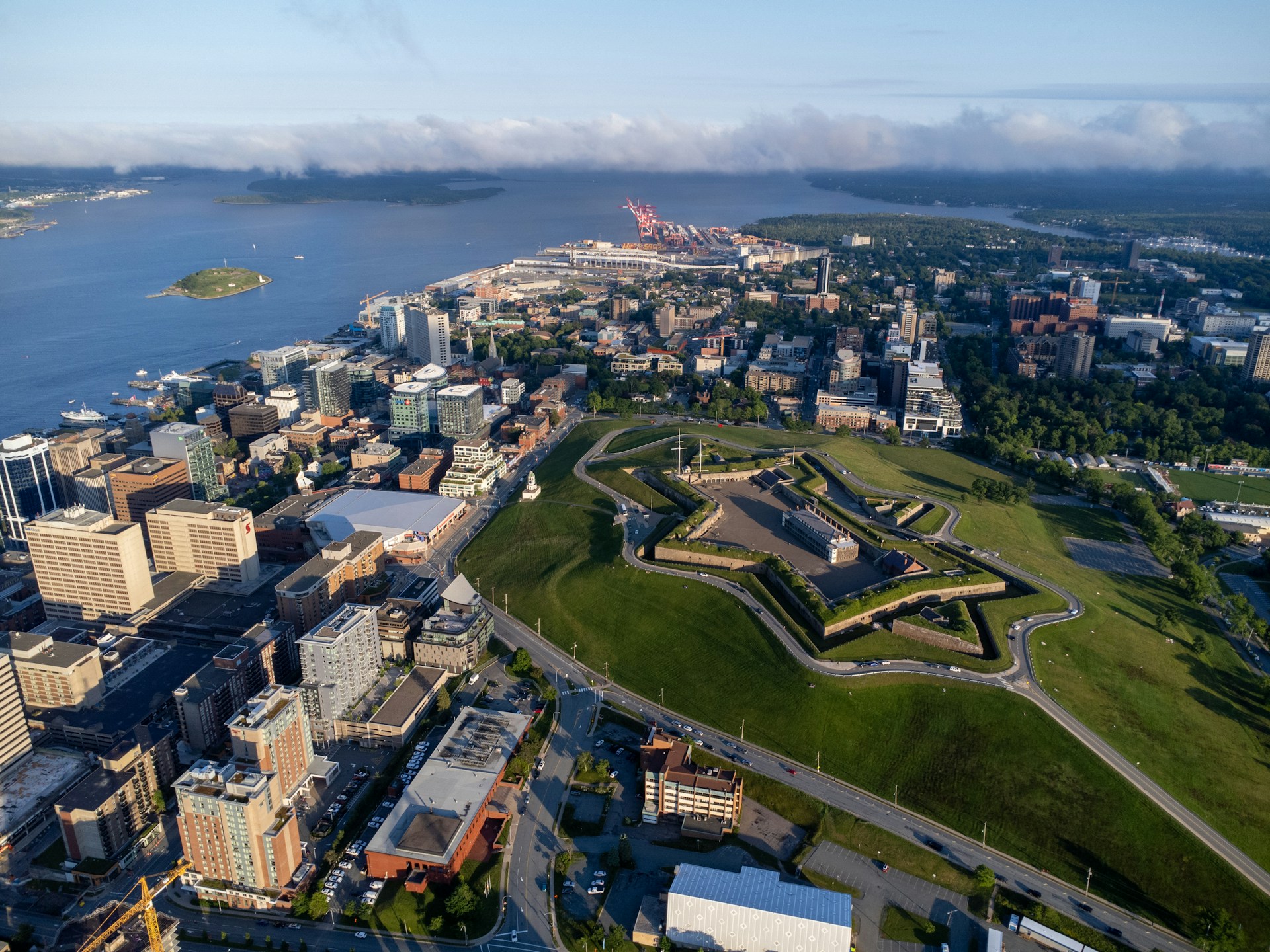
Halifax Webcams
Halifax offers an Atlantic Canadian perspective, with city and harbor views that introduce Nova Scotia’s capital from a distance. This guide collects camera resources for a virtual look at its urban and waterfront setting. Harbor scenes and city viewpoints show different aspects of daily activity. Choose a source in the guide and check the image time before comparing it with current weather.
Texas Gulf Coast

Galveston Webcams
Explore Galveston through Texas coastal scenery, island beach views and pier perspectives. This guide helps you choose between different parts of the island setting rather than relying on a single camera image. A pier view can emphasize activity and structures, while a beach view offers a broader shoreline scene. Open the guide for camera sources and the local news and weather resources.
Regional webcam directories
Camera and weather resources
Explore the National Park Service wildlife webcams for additional public camera options. Check the National Weather Service for U.S. forecasts, radar and alerts.
Continue with Current Conditions, Weather Watch or Interactive Maps. A camera shows one location at one time; use official road, marine and local information when planning an outing.
Webcam questions
Where can I watch live webcams for free?
Start with a destination in this directory. TwoVerbs guides link to public camera sources or include third-party players. Operators may display advertising, change access requirements or withdraw a feed; check the source page for its current terms.
Are all the webcam views actually live?
Some providers offer continuous live video; others refresh still images or include recorded viewing options. Open the destination guide and check the player’s live indicator, timestamp and viewing mode. The directory photographs and images labeled Artist rendering are previews or illustrations, not live camera footage.
Why is a webcam dark, frozen or unavailable?
Nighttime, maintenance, weather, network problems and player restrictions can interrupt a feed. Check the timestamp, reload once and try the official source link in the guide. A blank picture alone does not establish a local emergency.
Where can I find beach and weather webcams?
Browse the Florida, Eastern United States and Texas Gulf Coast sections above for coastal guides. Florida Keys, Siesta Key and Galveston are coastal starting points. Use the Weather Watch page for additional destination-based forecast and radar links.
Can I watch the webcams on my phone?
The directory adjusts to smaller screens, and you can browse the regional sections on a phone. Individual third-party players may have their own requirements. If an embedded camera does not load, try its source link; mobile data usage can be significant for video.
Can a webcam tell me whether it is safe to travel, swim or boat?
A camera only shows its own view at the displayed time. It cannot establish road safety, currents, water quality or conditions along an entire route. Use official weather alerts, road reports, marine forecasts and local guidance alongside what you see.
Latest additions to the webcam collection
Browse recent additions below, or visit the complete webcam archive for more destinations.
Browse the complete webcam archive →

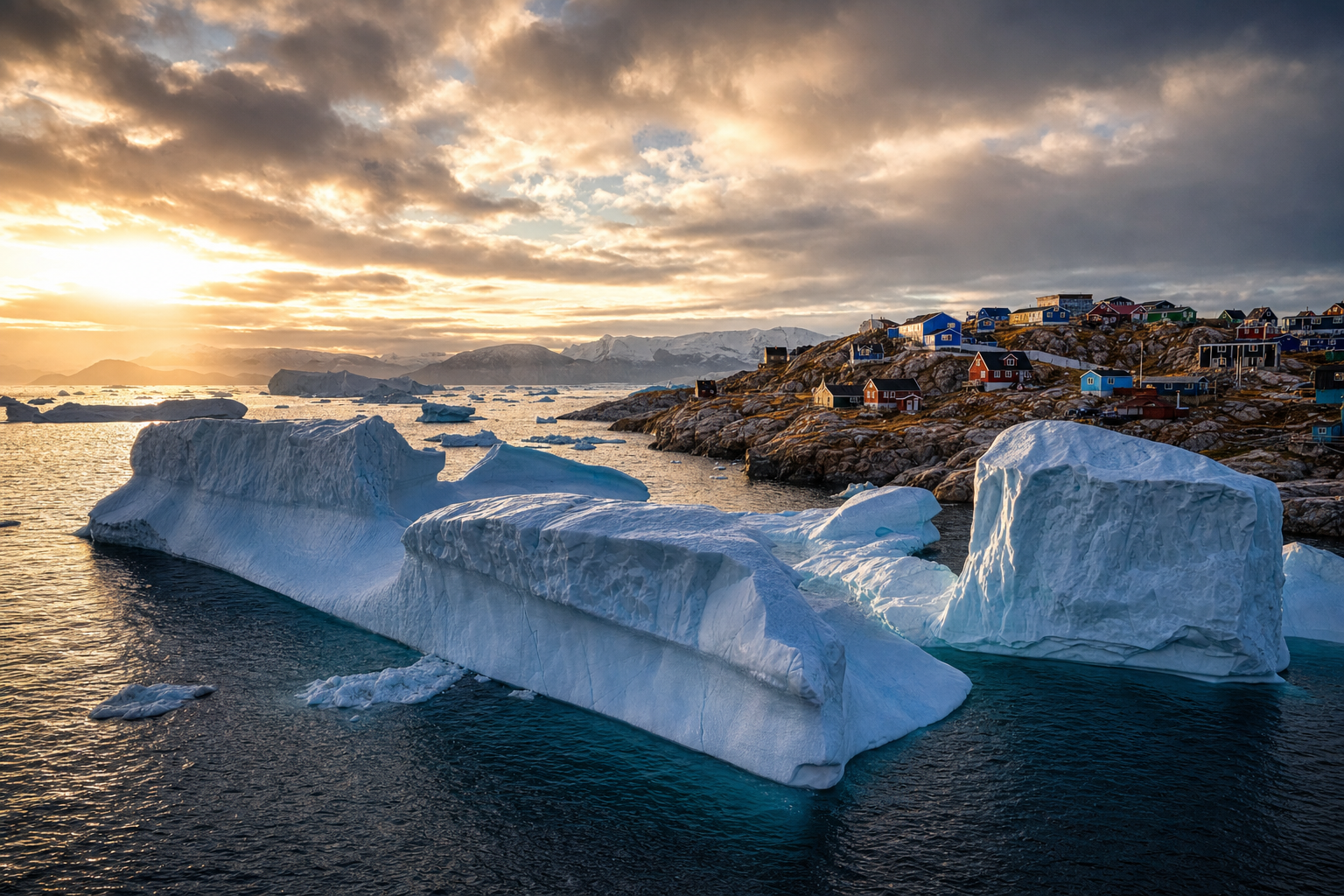
10 Live Webcams in Greenland – Vast Icebergs, Nuuk and Busy Airports
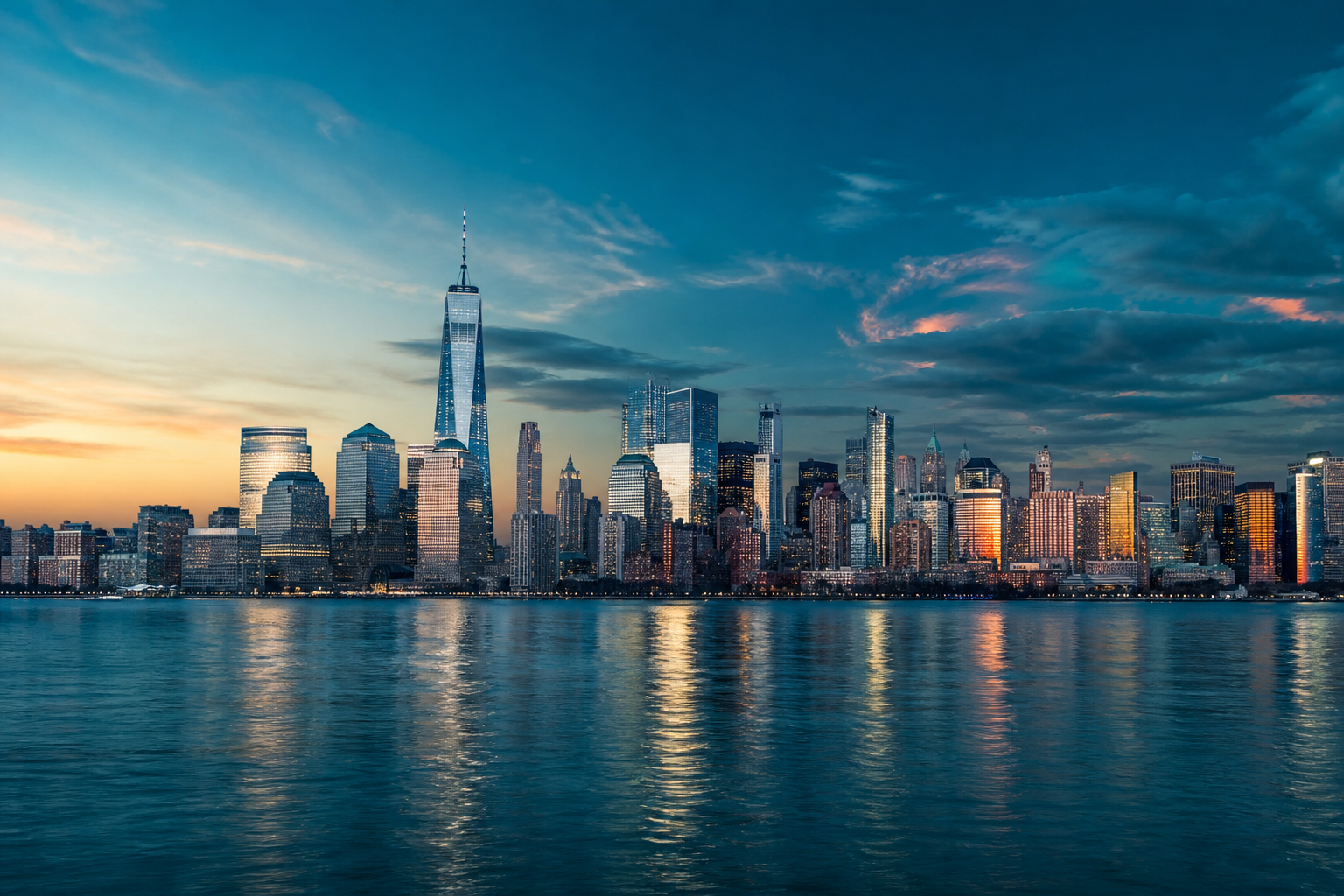
SkylineWebcams Guide: New York City Views, Live Streams and Viewing Tips
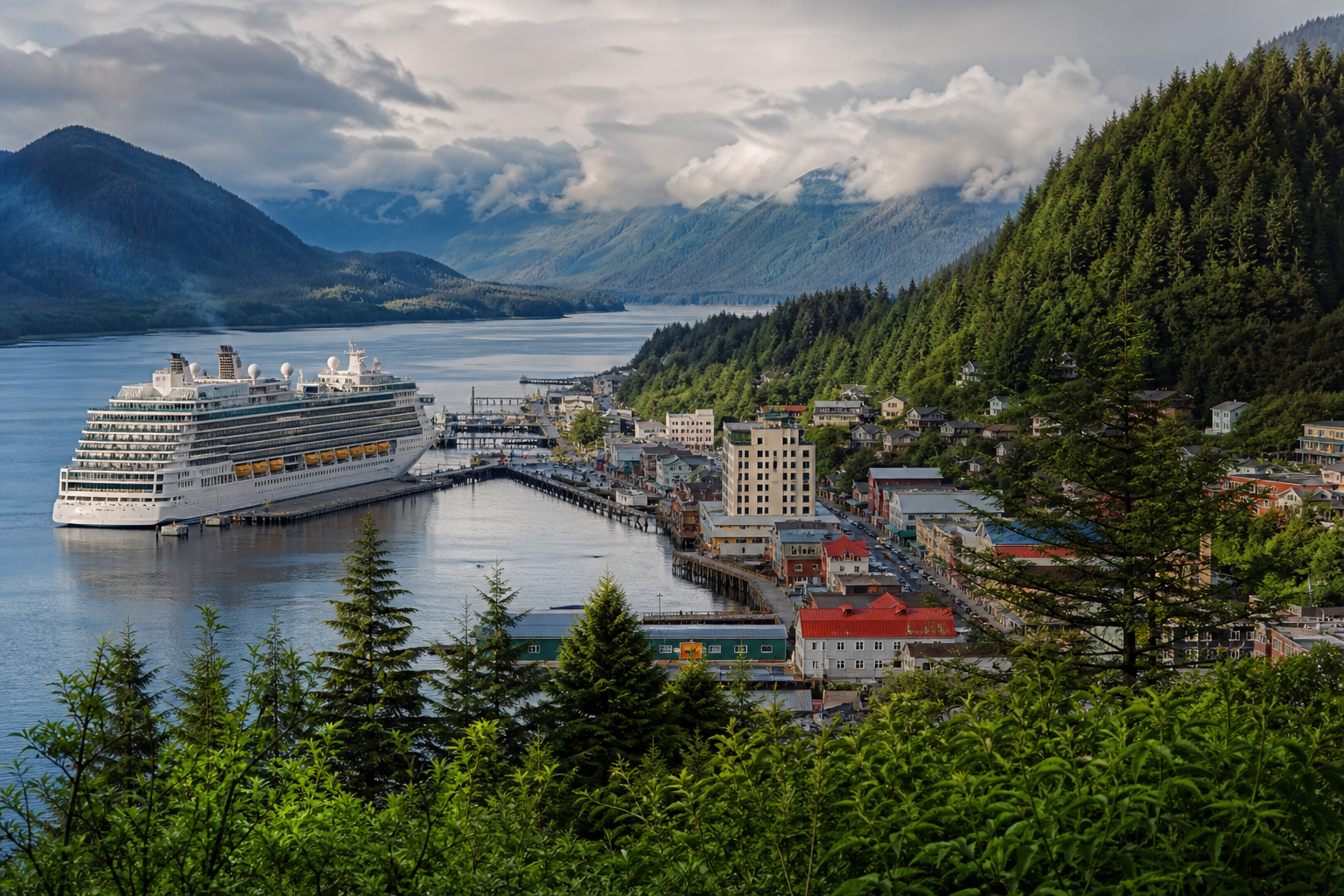
Live Webcams Ketchikan: 4 Ways to See Alaska’s Coast
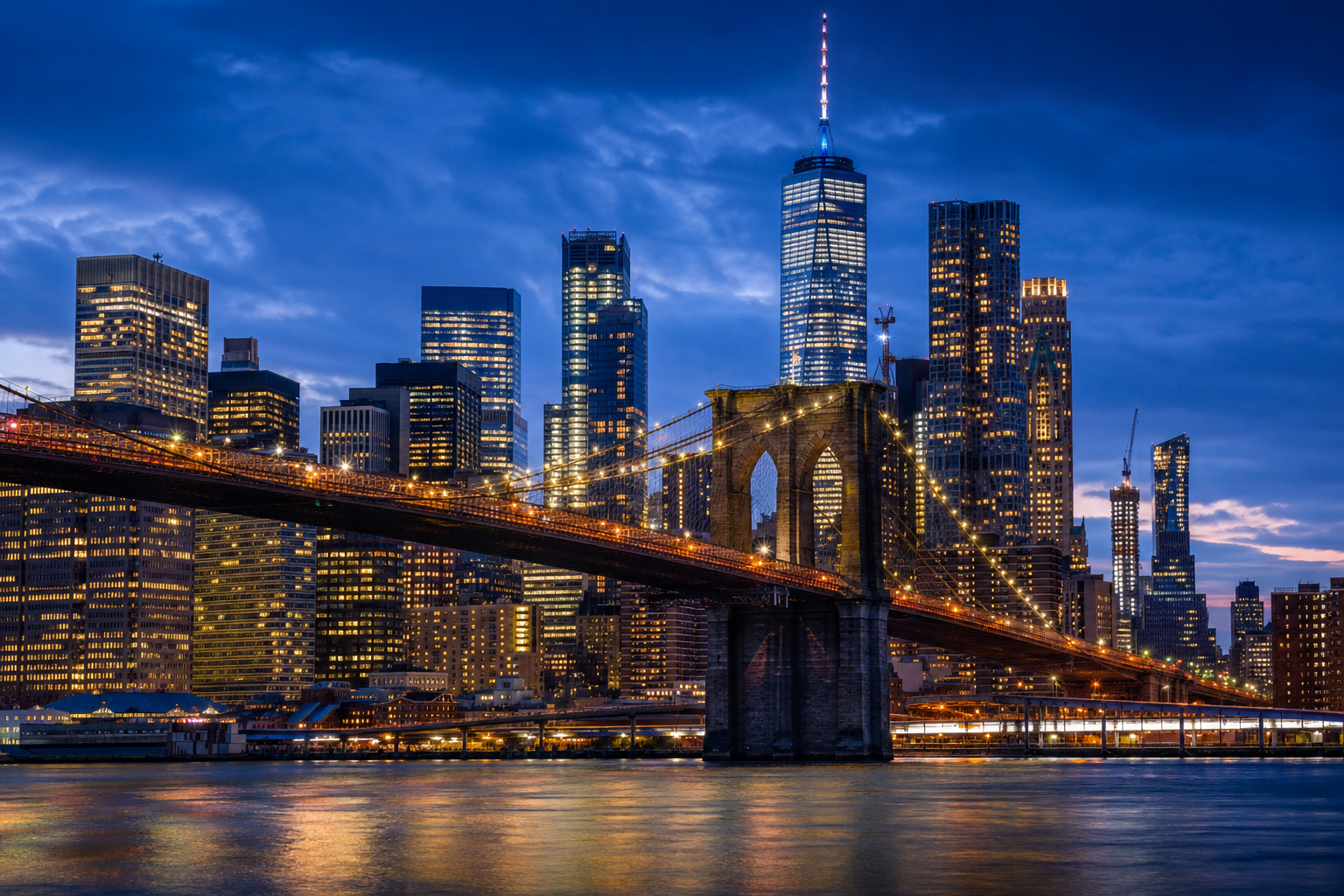
Live Webcams NYC: Times Square, Bryant Park and Skyline Views

Jamaica Live Webcams: Watch Kingston, Montego Bay and Negril
Thunder Bay Webcams: Check Highway Conditions and Local Lineups