by
by 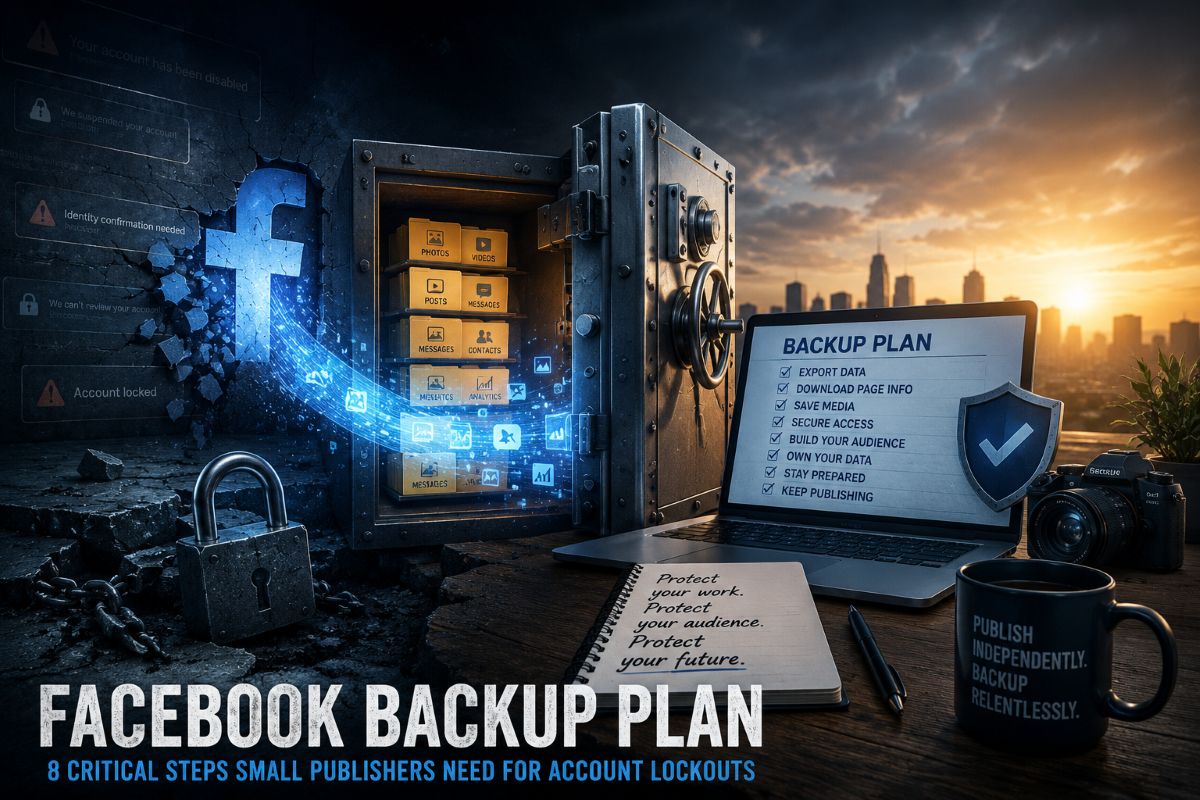
Facebook is still one of the most useful traffic and audience tools available to small publishers. It can move a local story, fill a comment thread, promote a video and bring readers back to a website.
But it should not be trusted as the only place where a publisher stores its audience, photos, videos, messages, page history, ad records or monetization data.
That is the practical lesson from a growing number of user reports involving disabled accounts, hacked business assets, failed appeals, identity-check loops and poor support visibility. A Facebook backup plan is no longer optional. It is basic business protection.
A recent survey of Reddit posts reviewed for this article found repeated complaints from users who said they lost access to personal accounts, business pages, ad accounts, Marketplace access or years of stored messages after suspensions, hacks or unclear enforcement actions. These reports are anecdotal. They are not verified case files. Still, the pattern is hard for small publishers to ignore.
The risk is not that every Facebook Page will vanish tomorrow. The risk is that many small publishers have no working backup plan if one does.
Meta Is Changing How It Handles Enforcement And Support
Meta has made major changes in policy, leadership and technology over the past year.
In January 2025, Reuters reported that Joel Kaplan replaced Nick Clegg as Meta’s chief global affairs officer, putting a longtime Meta policy executive in charge of the company’s global policy team. Clegg had overseen major work involving content policy, elections and Meta’s oversight structure.
Meta also announced a shift in enforcement. The company said it would focus more on illegal and high-severity violations and would try to reduce enforcement mistakes. Meta later said its first-quarter 2025 report showed about a 50% reduction in enforcement mistakes in the United States from the prior quarter.
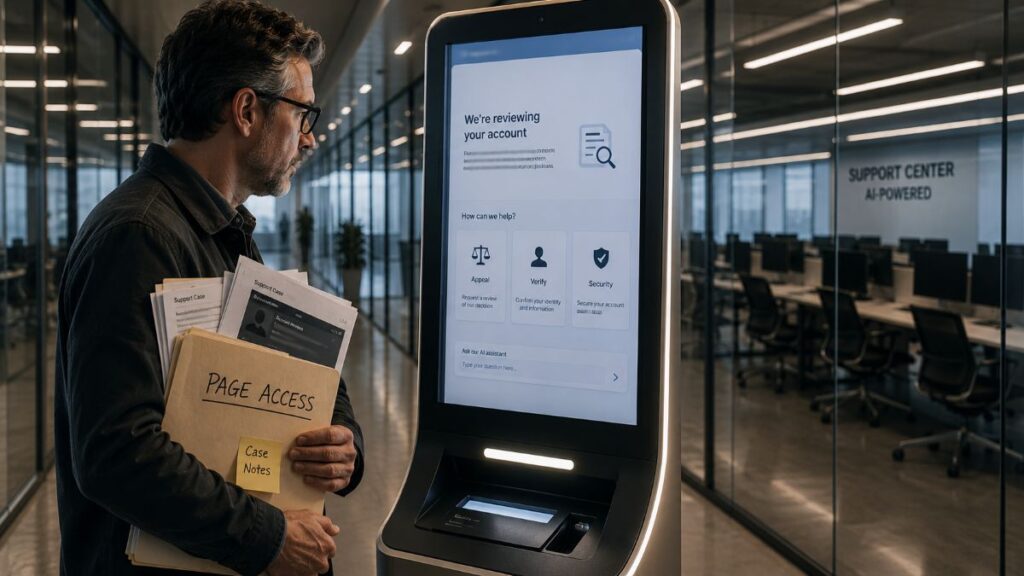
At the same time, Meta has pushed deeper into AI-based support. In March 2026, the company said its Meta AI support assistant was being rolled out to help users with account issues, appeals, password resets, privacy settings and other requests. Meta said the tool could respond quickly and, in some cases, take action inside Facebook or Instagram.
That is useful when it works. It is also risky when account recovery, identity checks and enforcement decisions become hard for users to understand.
The concern became more concrete in June 2026, when Reuters reported that hackers exploited Meta’s AI-powered support chatbot to gain access to high-profile Instagram accounts. Meta said the issue was resolved. But the case showed the danger of automating sensitive account functions without strong controls.
Reuters also reported in May 2026 that Meta planned to move 7,000 employees into AI-related initiatives while eliminating some management roles as part of a larger restructuring. The report said the changes were tied to Meta’s push to build AI agents into products and internal work.
For small publishers, the conclusion is simple: Facebook is changing fast. Support may be faster in some cases, but it may also be more automated, less personal and harder to challenge when a business page is hit.
Why This Matters For Small Publishers

A Facebook suspension is not just an inconvenience for a small publisher.
It can cut off access to a Page, ad account, monetization status, Messenger leads, groups, comments, saved posts, videos and years of audience activity. For a local site, that can mean losing contact with readers, advertisers, event partners and community sources.
The largest mistake is treating Facebook followers as an owned audience. They are not. Facebook controls the account, the Page, the delivery system, the rules and the appeal process.
A publisher owns its website, email list, image library, source files, contracts, subscriber records and direct customer data. Facebook should feed that system. It should not replace it.
A Facebook Backup Plan Checklist For Publishers
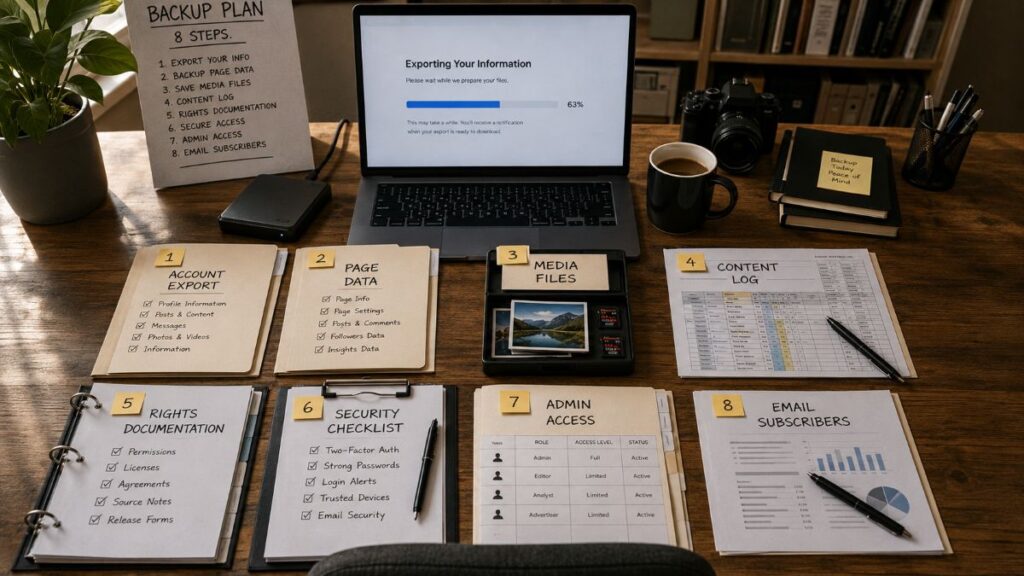
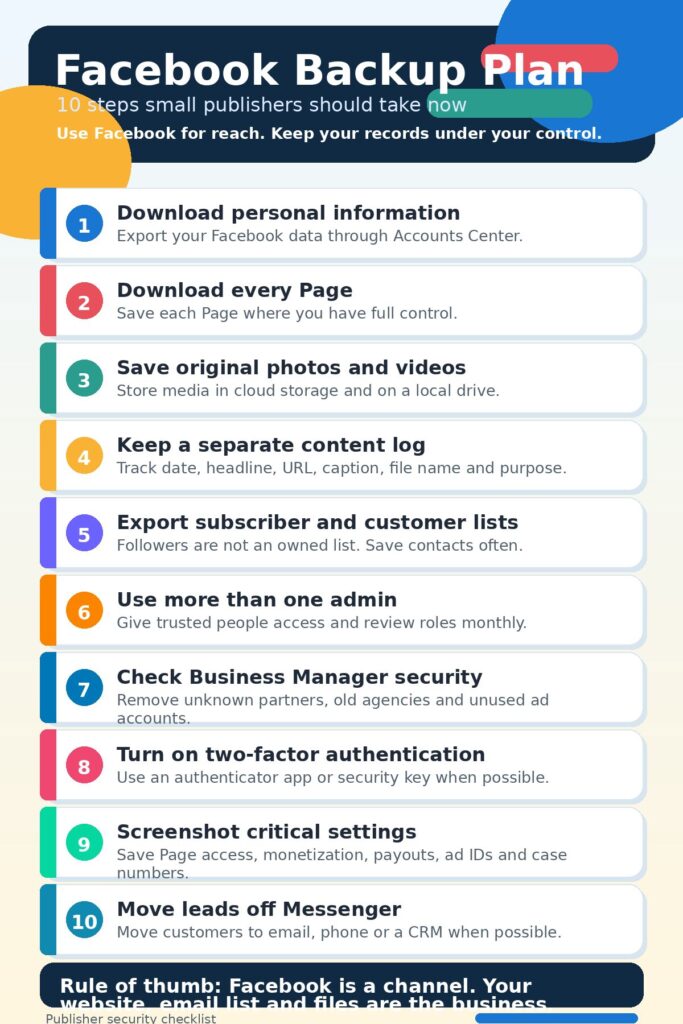
1. Export your Facebook information
Meta says users can export Facebook information through Accounts Center under “Your information and permissions.” Users can select data categories, date ranges, file formats and media quality.
Do this at least quarterly. Use a full date range for the first export. Save a second copy after major campaigns, viral posts or account changes.
For most publishers, HTML is easier to read. JSON is better for structured records and later technical use. Keep both when possible.
2. Download Page information
If you manage business or community pages, download a copy of each Page’s information. Meta’s help documentation says Page admins can request a copy of Page data.
Do not assume one export covers everything. Export your personal profile, your business Page and any connected business assets when tools allow it.
3. Save original photos and videos outside Facebook
Never let Facebook be the only copy of a photo, reel, video, caption or thumbnail.
Create a folder system by year, topic and campaign. Keep raw files, edited files, captions, alt text and source notes together. Store them in at least two places, such as a local drive and cloud storage.
4. Keep a content log
Use a spreadsheet to track:
- Post date
- Page name
- Facebook post URL
- Website URL
- Caption
- Image or video file name
- Campaign purpose
- Boost or ad spend
- Results
- Notes on rights or permissions
This creates a basic record if posts are removed, copied, disputed or lost.
5. Keep proof of rights
Many small publishers rely on reader photos, community images and historical material. That can create copyright trouble if records are weak.
Save emails, messages, permission notes, license terms and source links. Add the file name and permission status to your content log. If someone later files a copyright complaint, you need more than memory.
6. Secure Business Manager
Review Meta Business Suite and Business Manager monthly.
Remove unknown users, old contractors, inactive agencies and unused partners. Check ad accounts, payment methods, business portfolios and connected Instagram accounts. Watch for unfamiliar emails or business names.
Use two-factor authentication. An authenticator app or security key is stronger than SMS. Do not share one login among staff.
7. Use more than one trusted admin
A Page controlled by one person is a weak setup.
Give at least one trusted person proper access. Use real accounts, not shared passwords. Review roles often. Remove people who no longer need access.
8. Move readers to owned channels
Ask Facebook followers to subscribe by email, bookmark your site and follow your YouTube, podcast or RSS feed.
Messenger is not a customer database. Comments are not a contact list. Followers are not subscribers.
Having a Facebook Backup Plan Counld Protect Your Bottom Line
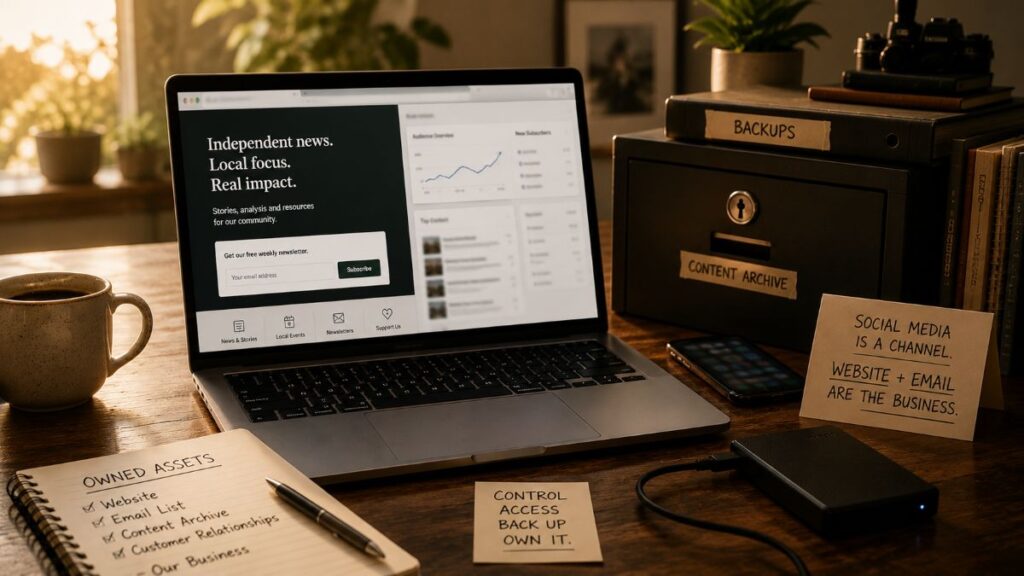
Small publishers should keep using Facebook, but they should stop treating it as permanent infrastructure.
The safer model is clear: publish on your own website, build your own email list, store your own media files and use Facebook as a referral channel. That way, if an account is hacked, disabled or stuck in review, the business still has its records, audience and publishing base.
Sources Used in this Article
-
Meta.
“Export a Copy of Your Facebook Information.”
Facebook Help Center. Accessed 8 June 2026.
Used for instructions on downloading Facebook account information through Accounts Center, including data categories, date ranges, file formats and media quality. -
Meta.
“Download a Copy of Your Page.”
Facebook Help Center. Accessed 8 June 2026.
Used for guidance on downloading a copy of a Facebook Page when the user has Facebook access with full control. -
Meta.
“Making It Easier to Access Account Support on Facebook and Instagram.”
About Meta, 4 Dec. 2025. Accessed 8 June 2026.
Used for Meta’s statement on expanded account support, centralized help tools and AI-assisted account recovery. -
Meta.
“More Speech and Fewer Mistakes.”
About Meta, 7 Jan. 2025. Accessed 8 June 2026.
Used for Meta’s explanation of changes to enforcement priorities, including its stated focus on illegal and high-severity violations. -
Meta.
“Integrity Reports, First Quarter 2025.”
Meta Transparency Center, 29 May 2025. Accessed 8 June 2026.
Used for Meta’s reporting on proactive enforcement priorities and stated changes in enforcement mistakes. -
Meta.
“Meta AI Support Assistant for Account Help.”
Meta. Accessed 8 June 2026.
Used for Meta’s description of its AI support assistant for Facebook and Instagram account issues. -
Reuters.
“Meta Taps Republican Joel Kaplan to Lead Global Policy Team, Replacing Nick Clegg.”
Reuters, 2 Jan. 2025. Accessed 8 June 2026.
Used for reporting on Meta’s leadership change involving Joel Kaplan and Nick Clegg. -
Reuters.
“High-Profile Instagram AI Chatbot Breach Spotlights Security Risks of Automation.”
Reuters, 3 June 2026. Accessed 8 June 2026.
Used for reporting on security risks tied to automated AI account support and high-profile Instagram account takeovers. -
Compiled Survey.
Facebook Problem Survey on Reddit.
User-provided document, 2026.
Used as anecdotal background on user-reported Facebook problems, including hacked accounts, disabled accounts, verification loops, lost Pages, appeal delays and support complaints. These reports were treated as self-reported claims, not independently verified cases.